FR EN

TUTORIAL: Change the wallpaper of Snom phones

Estimated reading: 2 minutes

Many companies wish to customize their phones with a wallpaper reflecting their visual identity. Thanks to PBXware, it is possible to push provisioning variables to the phones, thus making it easier to change the wallpaper.

The wallpaper image format must meet the following requirements:

Phone templateFormatResolution
D713, D735, D765.png320×240
D375, D385, D785, D812, D815W.png480×272
D717.png426×240
D862, D865.png1280×720

Host an image

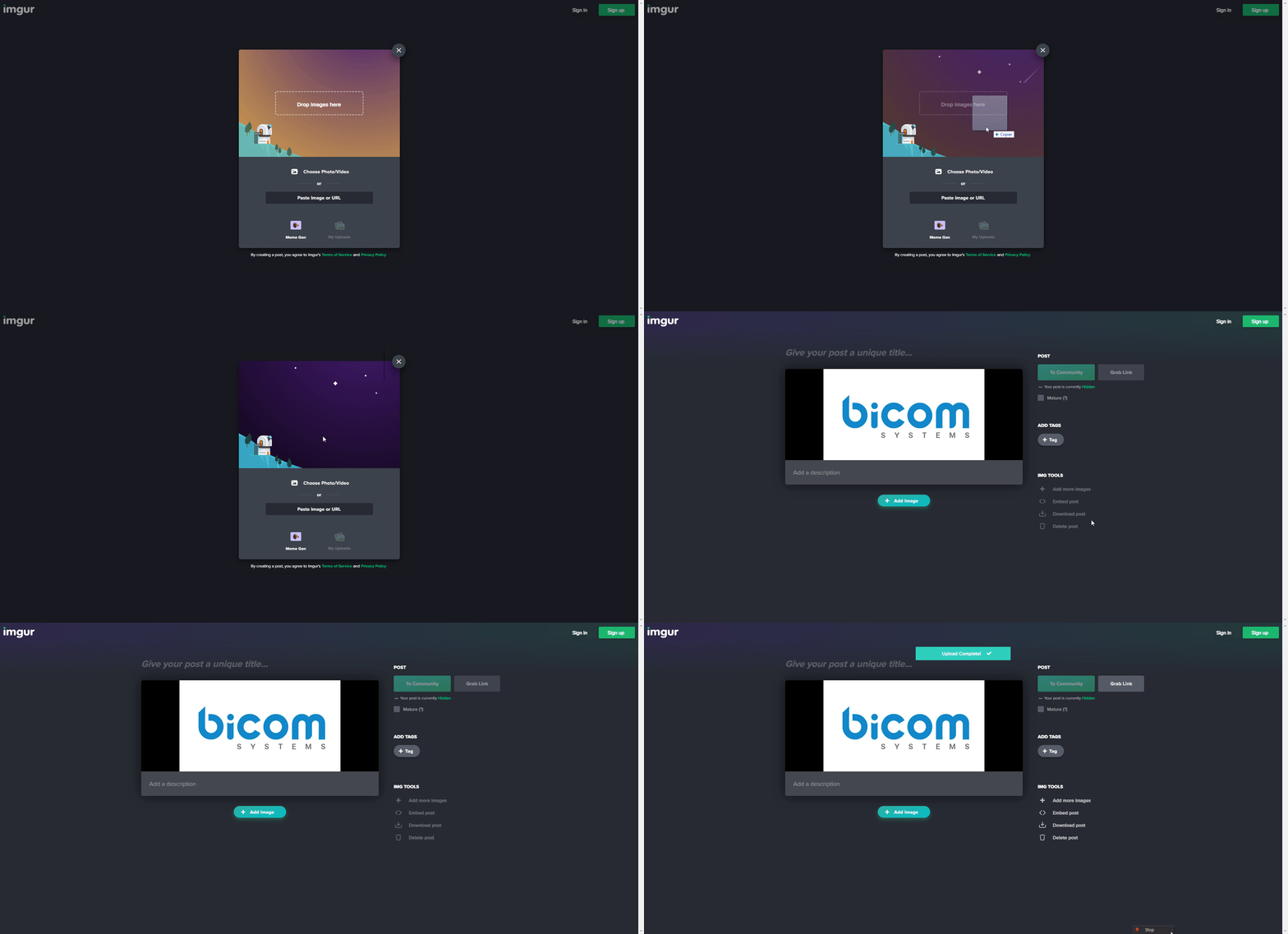
To allow the image to be retrieved via an accessible URL, it is recommended to host your image on a platform like imgur.com

This will let you easily obtain the photo's URL in order to use it for provisioning.

Upload your image as follows:
Right-click on the image and then click the option Copy the image address. 
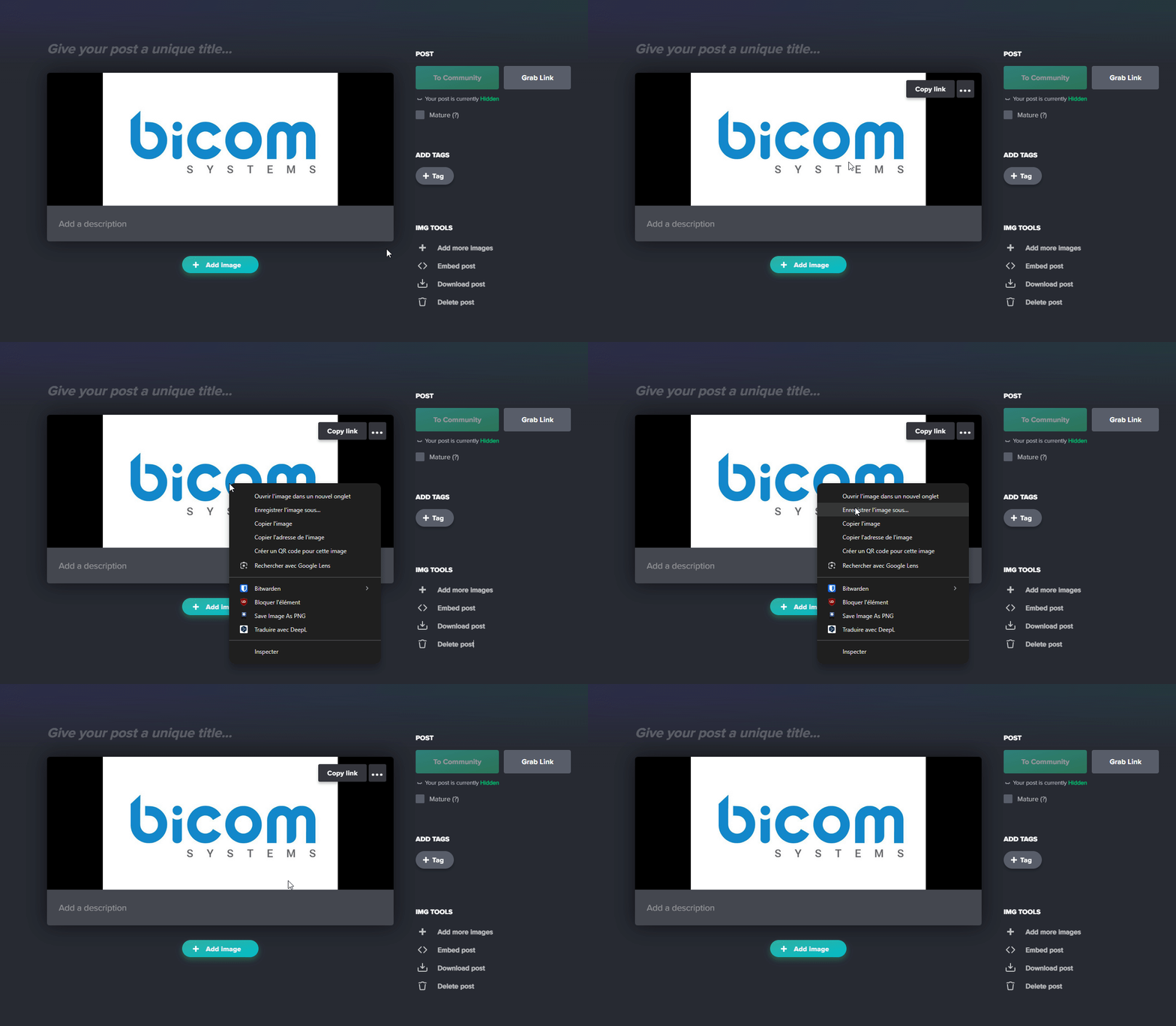
Keep this link in your clipboard for the next step.

Edit the UAD

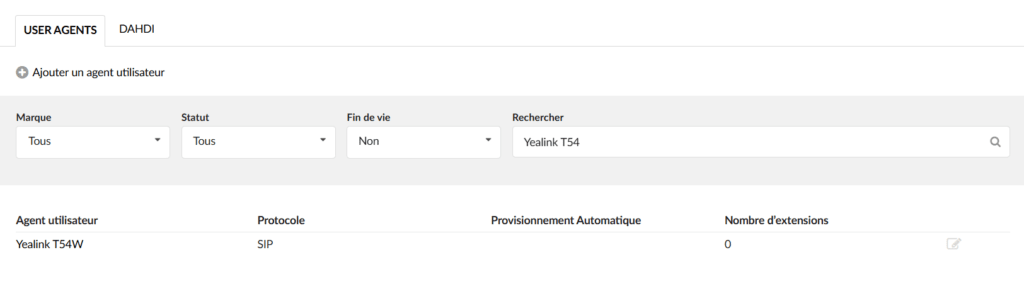
Go to PBXware, in your tenant, to the Settings > UAD section > Select your phone to provision:

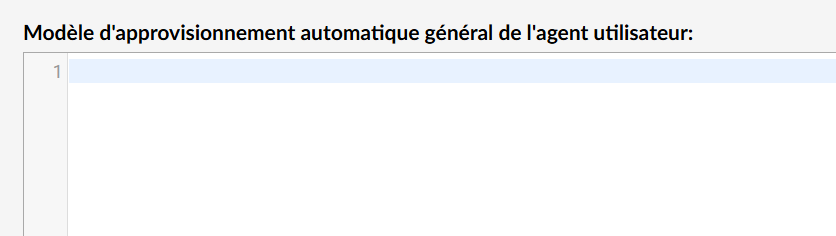
Navigate to the bottom of the page to access General user agent auto-provisioning template :

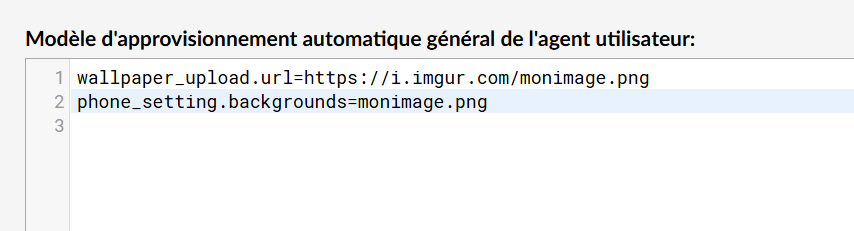
Then copy and paste the following code, adjusting the URL of your image: 

wallpaper_upload.url=https://i.imgur.com/votreimage.png phone_setting.backgrounds=votreimage.png 

Here is the expected result:

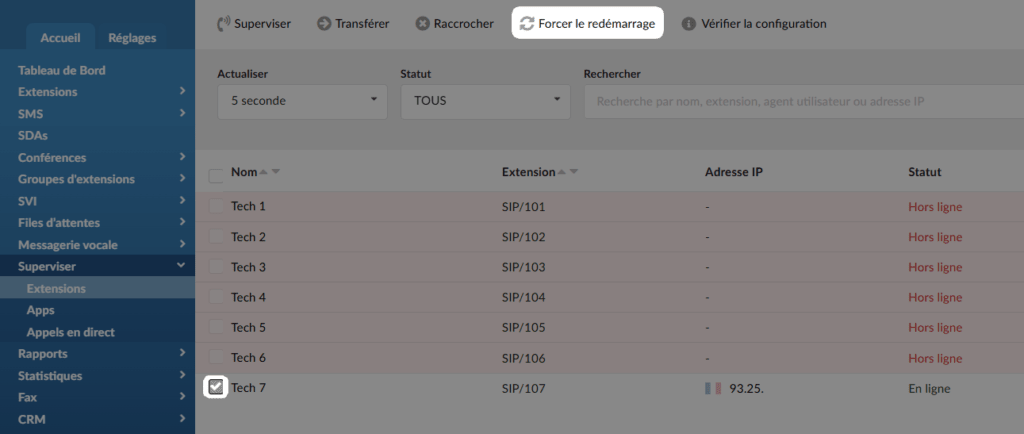
Restart the phone remotely in Monitor > Check the phone > Force reboot :

Share

TUTORIAL: Change the wallpaper of Snom phones

Or copy the link below

CONTENT