



TUTORIAL: Block calls to certain numbers
If you want to block certain numbers so that they cannot be called, you can do so from the Routes.
Classic routing
You simply need to create a route to this specific number and go to the extension and then uncheck this destination.
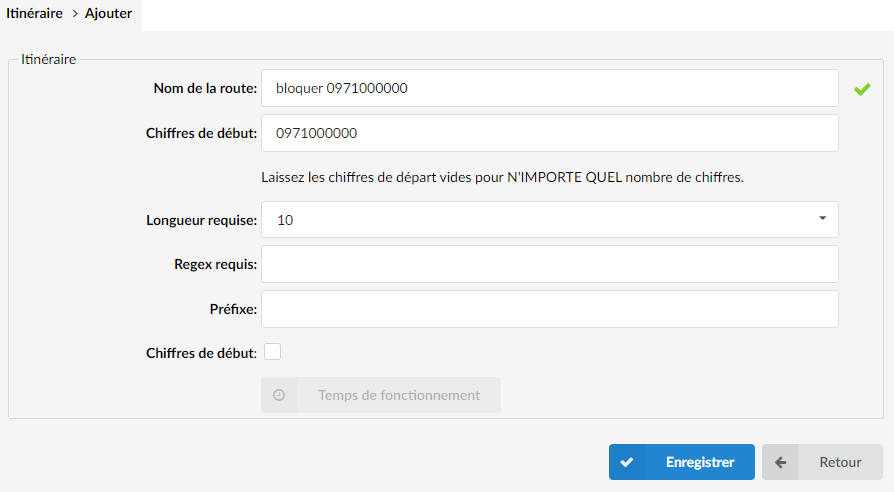
For example, if you want to block the call to 09 71 00 00 00, simply create a route to this number:
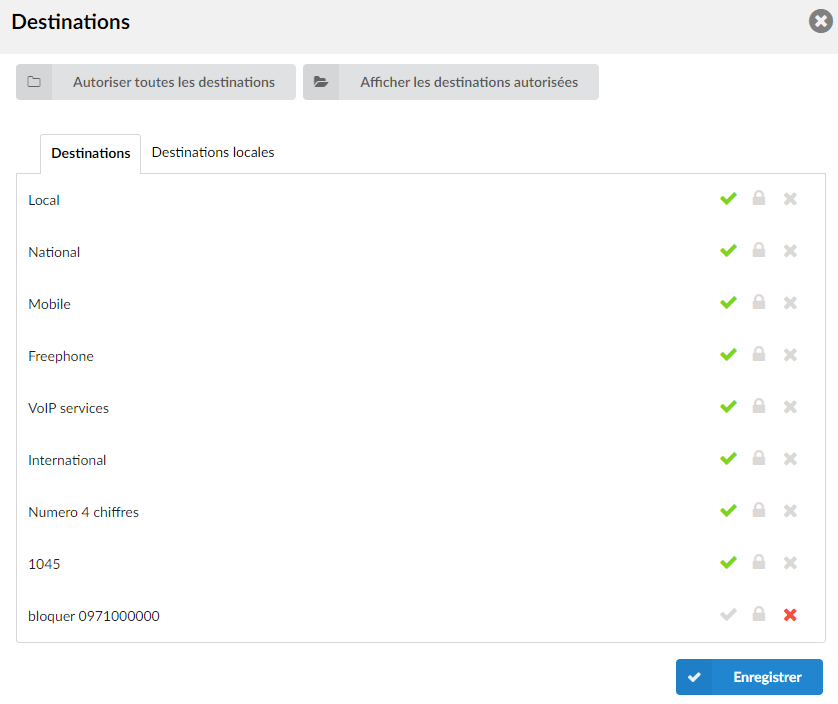
Then you will need to deny access to this route in the relevant extension in Extension > Destinations > Manually configure destinations :
E164 routing
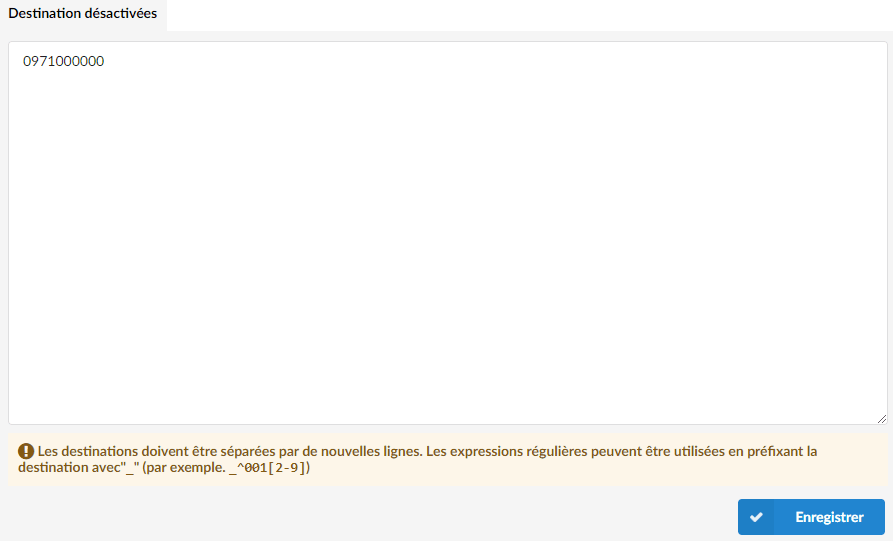
If your system is in E164 routing, navigate to Routes > Disabled routes and type the numbers you want to block.
Destinations must be separated by new lines.
Regular expressions can be used by preceding the destination with "_" (for example, _^001[2-9]):
Please note that all the numbers you enter in this section will be blocked at all levels of the system.
