TUTORIAL: Force a license refresh
It is possible that refreshing the license through the method explained in the introduction does not automatically update the extension/application quantities or changes made to the license. You will therefore need to force the reloading of the license.
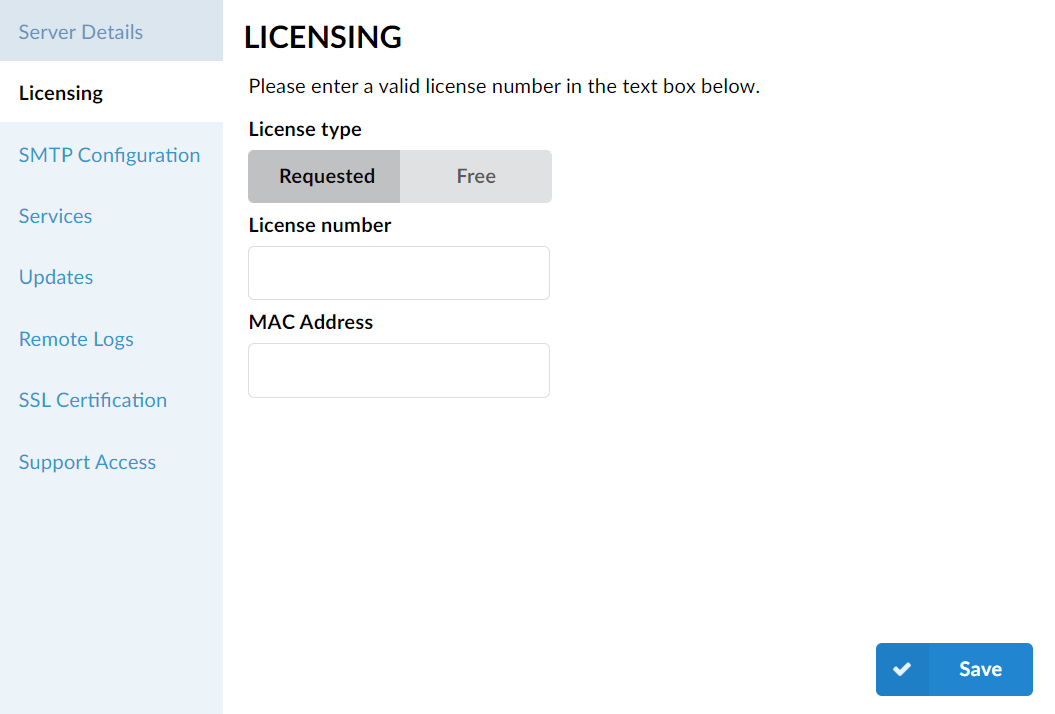
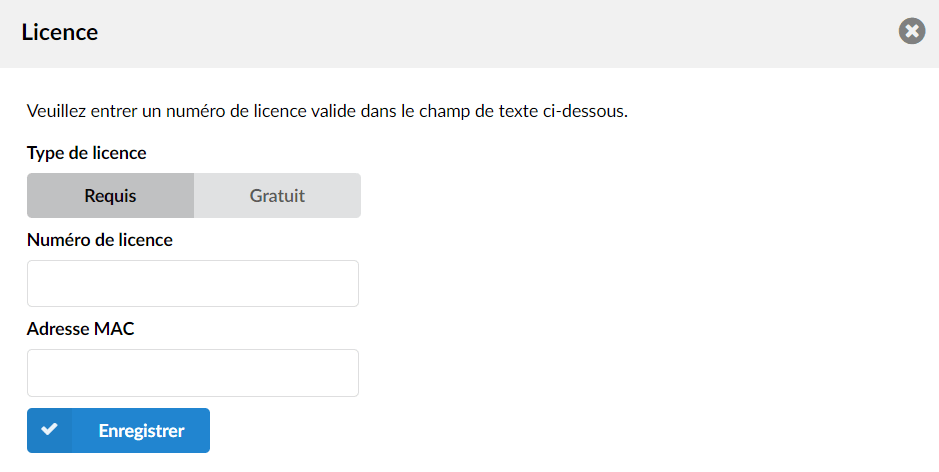
To do this, please go to your PBXware administration interface in the section Admin settings > License > Enter your root password & click Save in order to force the re-registration of the license.
Alternatively, you can go to the setup wizard (:81)using your root password in the section Licensing and click Save.