



TUTORIAL: Set up a pre-answer greeting
Import music on hold
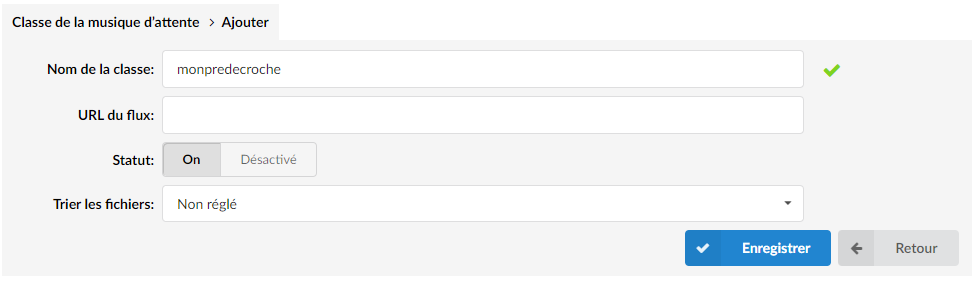
You must then have defined a music on hold in System > Music on Hold > Add a recording > Choose the previously created class.
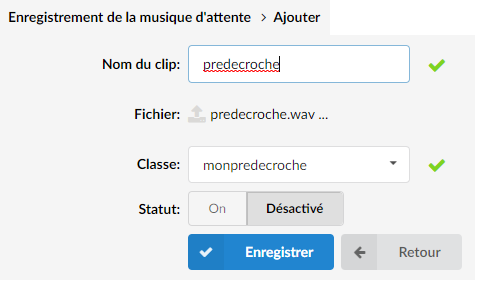
Set the field Status of Disabled to Enabled
Apply your music
For an extension
Add this option to the parameter in Extension > Show advanced options > Incoming Call options
trm(yourclass)
Example :

For a Multi-Tenant PBXware, you must specify the tenant number in between.
trm(m-[N°TENANT]-yourclass)

For an extension group
Add this option to the Extension Group > Show advanced options > Dial options parameter:
m(music-class)

For a Multi-tenant PBXware:
m(m-[N°TENANT]-yourclass)
