2. Dashboard
The PBXware system dashboard provides a single-page overview of important PBXware information and statistics in real time.
On this page, you can see information about running services, call statistics, licenses and application usage, as well as information about the status of hardware resources.
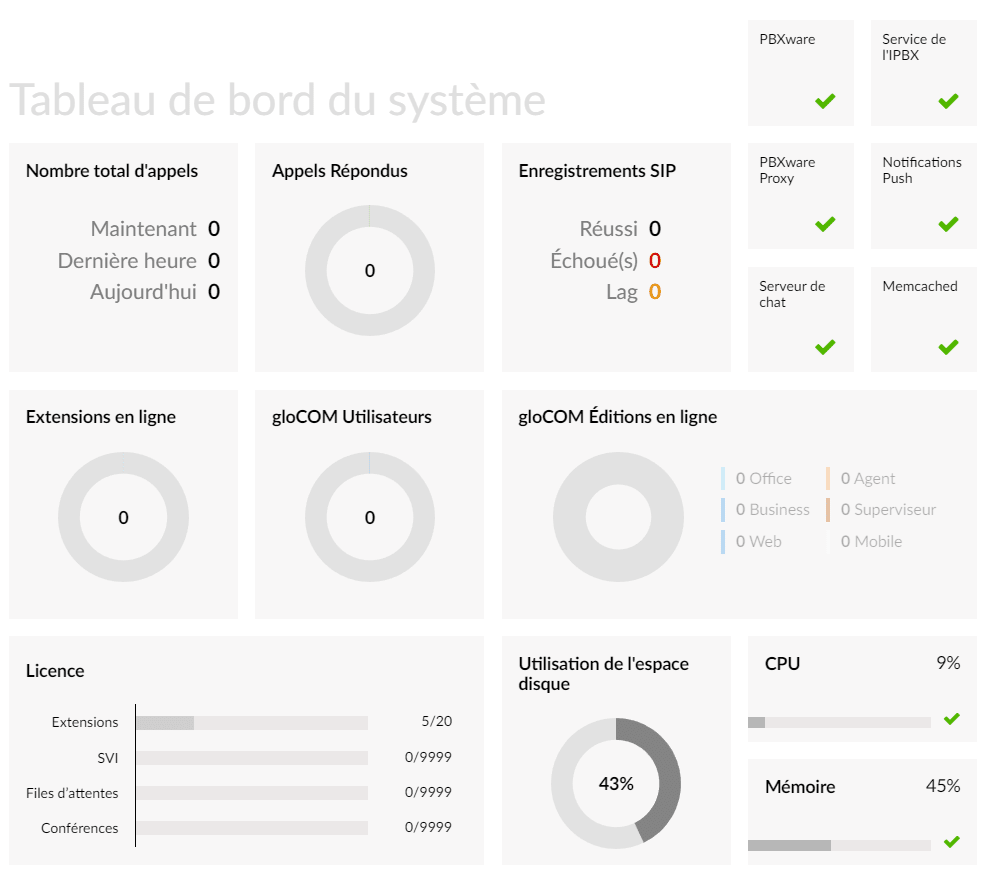
Calls overview
Total number of calls
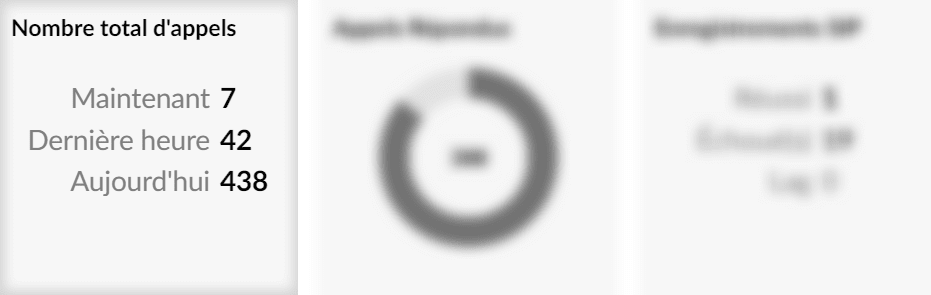
- Now
Number of calls in progress on PBXware.
- Last time:
Number of PBXware calls over the last few hours.
- Today:
Number of calls for the day.
Answered calls:
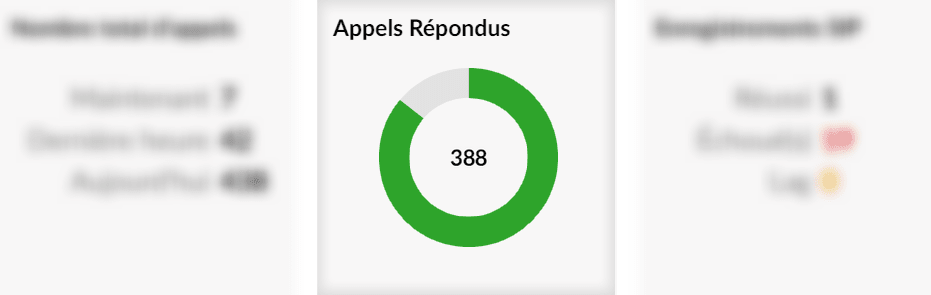
Total number of answered calls (the green gauge represents the percentage of answered calls).
SIP registrations
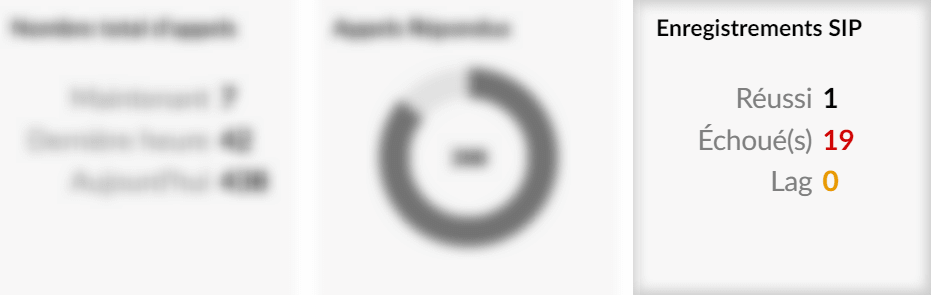
- Successful
Number of successful PBXware SIP registrations.
- Failed
Number of failed PBXware SIP registrations.
- Lag
Number of PBXware SIP registrations that are currently in a delayed state.
PBXware Services
The Services section of the PBXware dashboard allows you to monitor the current status of the main system services: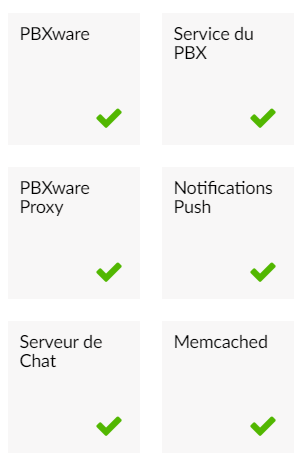
- PBXware
- PBX service
- PBXware Proxy
- Push Notifications
- Chat server
- Memcached
If the icon ✔️ green is displayed, then the service is working.
Otherwise, the ❌ icon will inform you that there is one or more problems with the service(s) and that it/they has/have been stopped.
- PBXware
This is the main PBXware service. If this PBXware service stops for any reason, you will not be able to access your system through a web interface.
- PBX service
The PBX service is the main service on which PBXware runs. If the PBX service is not running, you will be able to access the PBXware web interface but you will not be able to make or receive calls.
- PBXware Proxy
PBXware Proxy connects to the Asterisk manager and reads the events, which are then cached for later use.
- Push notifications
The push notifications service will wake up mobile devices in the event of a call to the relevant extension.
- Chat server
“Chat Server” is a messaging service that allows you to use chat when you are connected to PBXware with our desktop and mobile applications Communicator.
- Memcached
The Memcached service stores the information that is read by PBXware Proxy.
Extensions & apps
- Online extensions
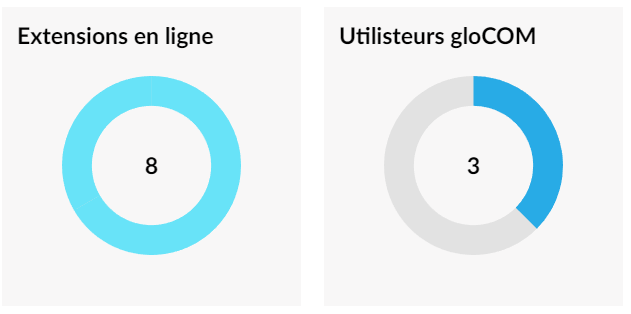
The online extensions chart represents the number of online extensions compared to the total number of PBXware extensions.
- gloCOM (Communicator) users
The gloCOM users chart represents the number of connected gloCOM users compared to the total number of available licenses.
- gloCOM Online Editions
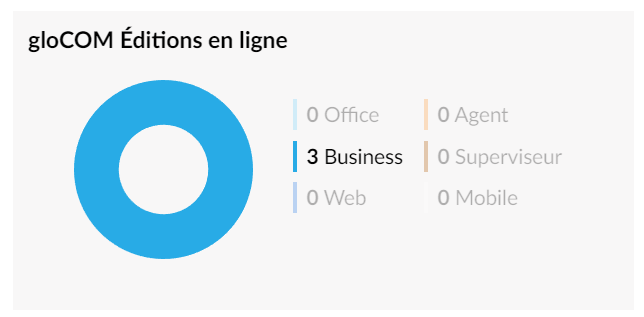
This section displays the number of gloCOM (Communicator) applications registered on PBXware and the editions they use.
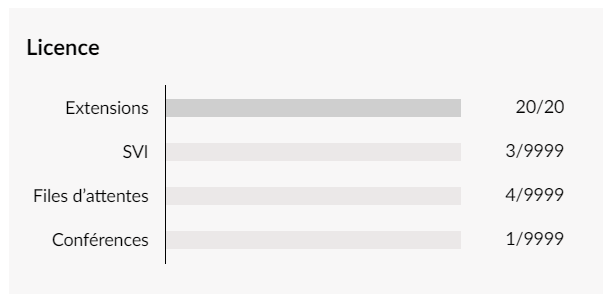
License
The License section helps you avoid license issues by displaying your PBXware license usage information for extensions, IVRs, queues, and conferences.
Hardware resource usage
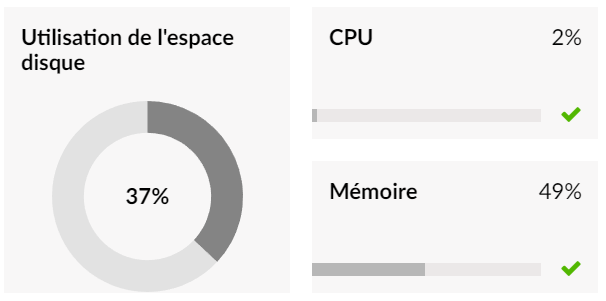
The resource usage section displays important information about the current server load; it helps you easily monitor the main hardware components such as disk space, processor load, and memory.