



30. License
The menu License displays information about the currently installed SERVERware license and allows you to update or modify it.
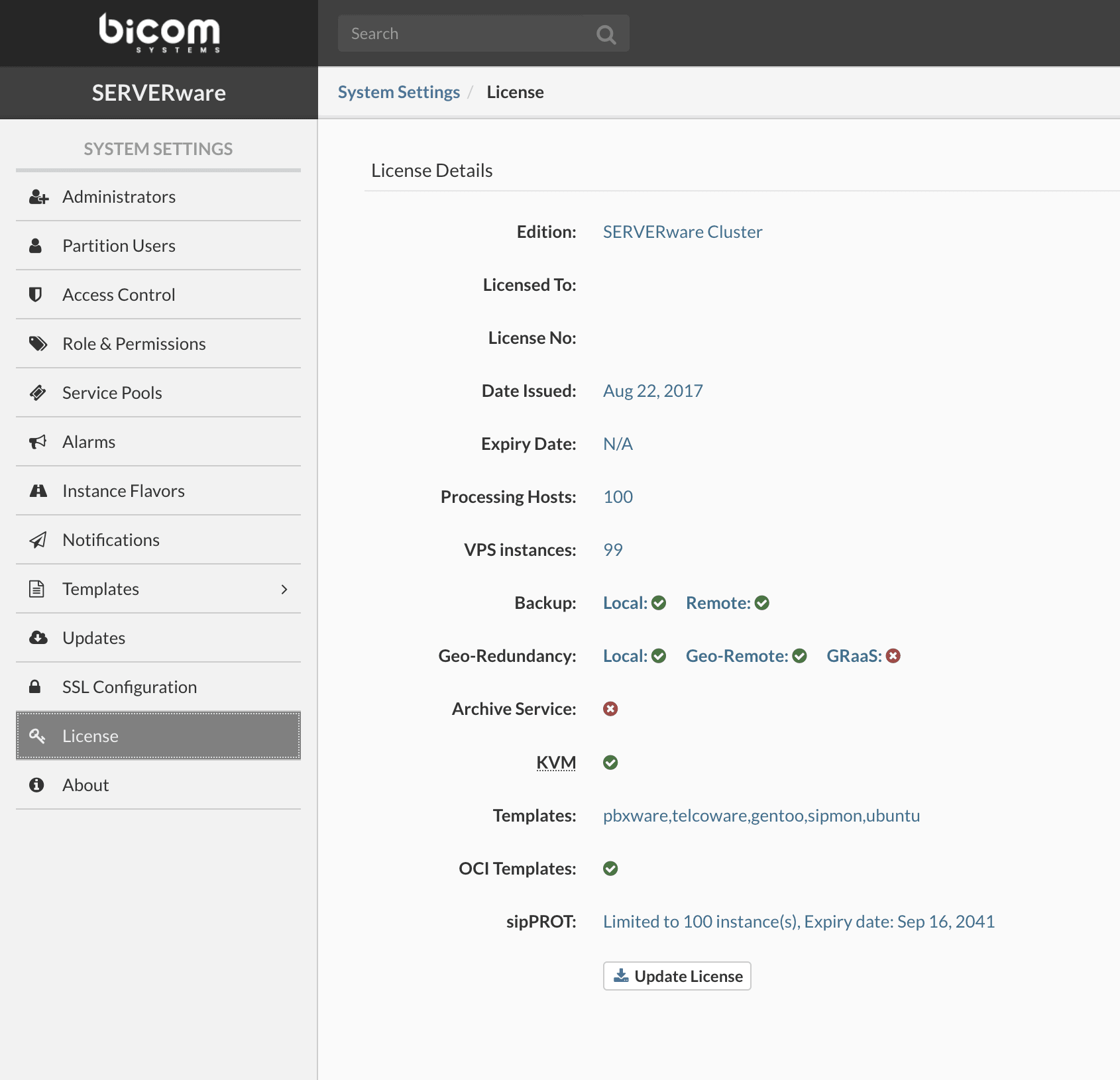
If you have a new license, to perform the update, click Update License, enter a valid license number in the field provided for this purpose, then click Apply. This will update the list of supported features on your SERVERware instance.
