



25. Instance templates
Under the menu Instance templates, it is possible to add, modify and delete virtual server templates. Templates represent a preconfigured set of hardware resources that can be assigned to a VPS during its creation.
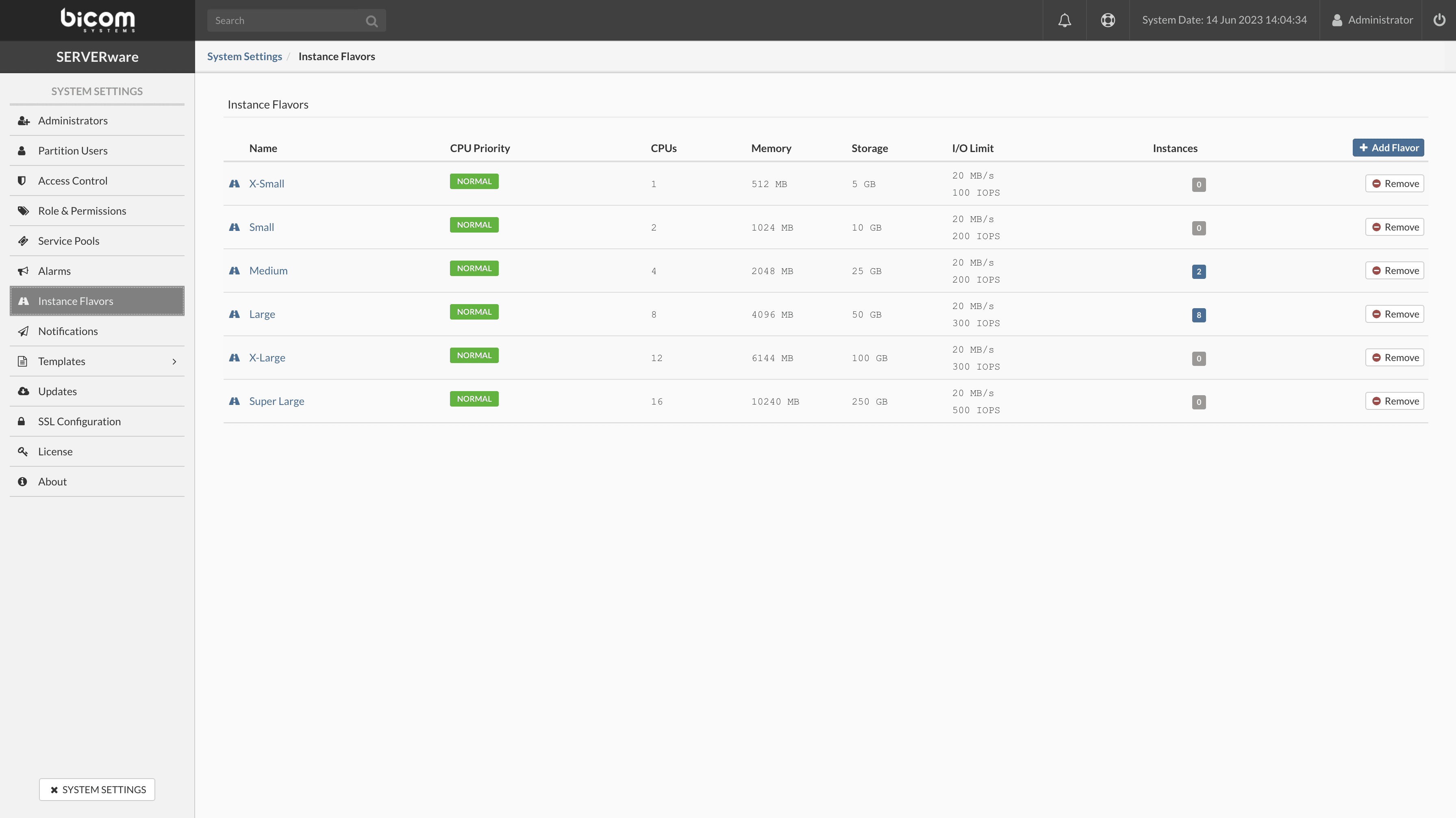
Adding an instance design
To add a flavor, proceed as follows:
- In the menu Instance templates, click on Add an instance template. The dialog box appears.
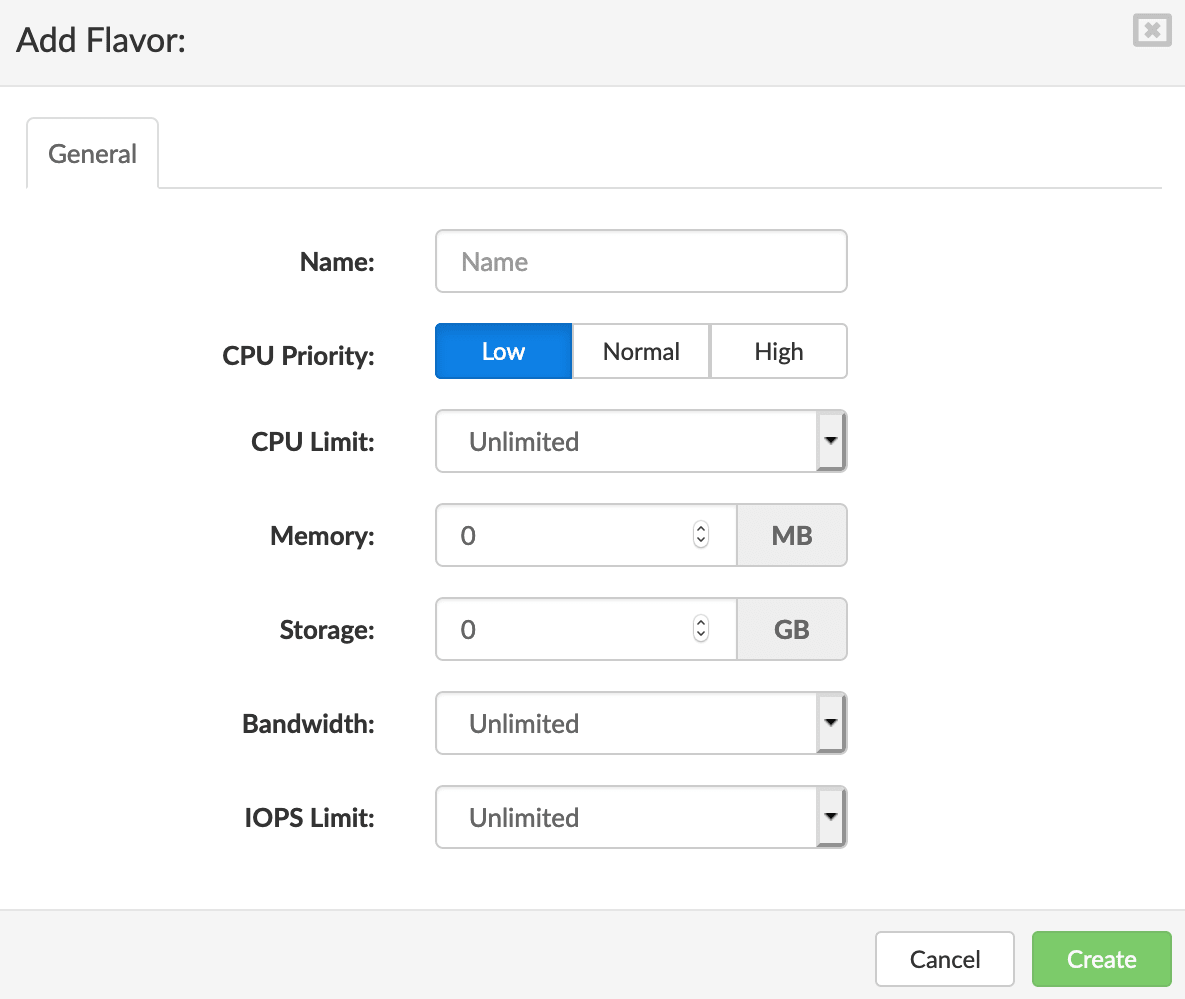
Enter the name, select the CPU priority, CPU limit, amount of memory, storage, bandwidth, and IOPS limit, then click Create to add a new flavor.
