



28. Updates
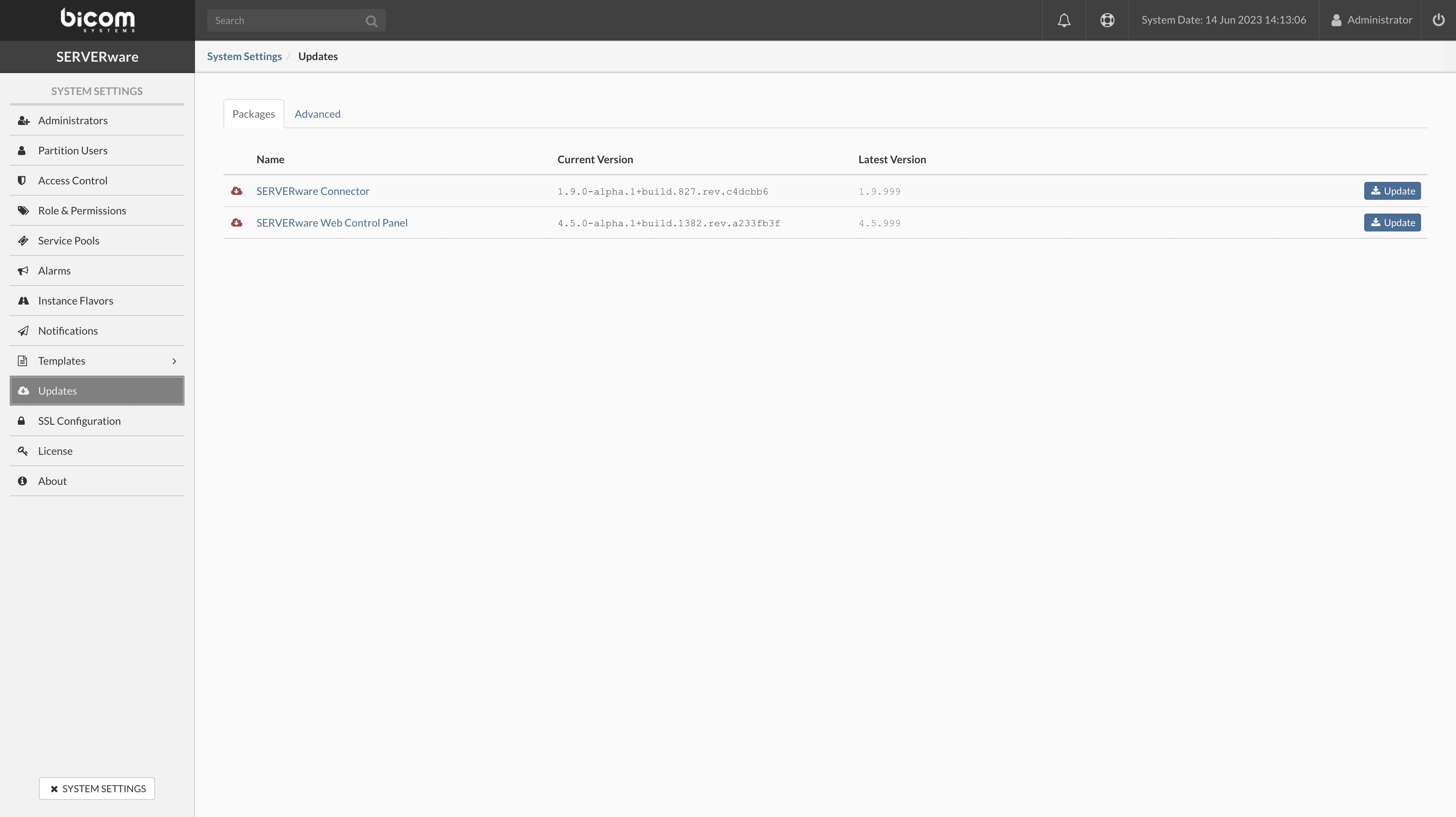
The section Updates in the system settings is used to update the various SERVERware components. The list on the right side displays the name, current version, and latest available version for each component that can be updated.
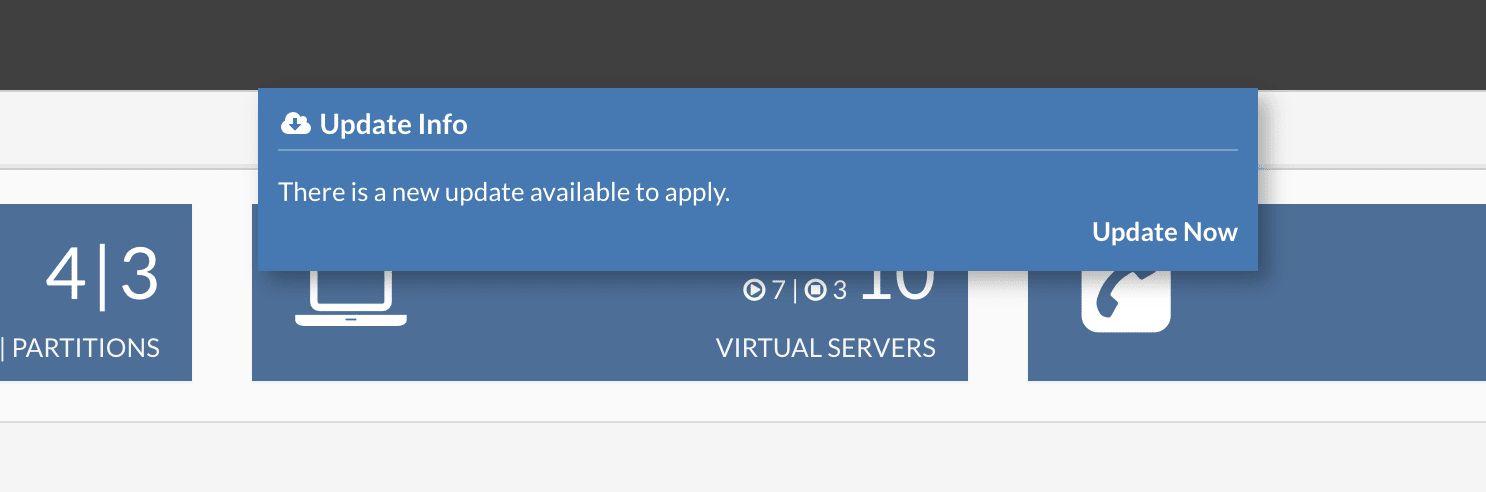
The SERVERware controller checks daily for the availability of new package updates. As soon as an update is available, a pop-up notification is displayed at the top of the GUI screen each time an administrator logs in. This pop-up notification disappears after 10 seconds and offers a link to access the package update view if the administrator wishes to perform the updates.
Email notifications about newly available updates are also sent to system administrators.
To update a SERVERware component, click the Update button corresponding to that component. The update process starts after confirmation.
