Personal information
Estimated reading: 1 minute
To access personal information, you must click on your avatar image or on the status icon at the bottom right of the avatar image and select Personal information from the drop-down menu.
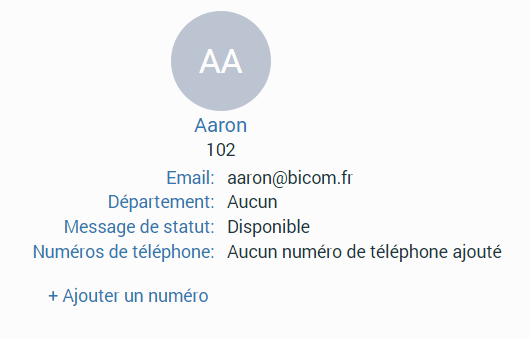
This displays a personal information screen where you can see:
- Avatar image : Clicking on it allows the user to change their avatar image.
- Extension name
- Extension number
- Department
- Status message
- Phone numbers : allows you to modify and delete your phone numbers.
- Add a number : allows you to add as many phone numbers as you want.
- Currently connected devices : list of devices you are currently connected to.