Open a ticket
Below is information on the procedure to follow in order to open a technical support ticket.
Ticket opening rules
First rule
We kindly ask you to submit each technical request or question in a separate ticket. If you encounter several questions or problems, we thank you for creating a separate ticket for each question or problem.
Here is why: During our exchanges, it frequently happens that questions cross each other, which can lead to misunderstandings. Therefore, in order to resolve questions or issues efficiently and quickly, it is essential to ask one question at a time.
Second rule
The question must be precise and include all the information necessary for our technicians to resolve the question / problems.
Third rule
If you use a shared account or a shared email of the style (adv@entreprise.com) it is imperative that you provide your first or last name and your direct line number.
You have already received the link for your first login. If not, please contact one of our sales agents so that they can register you in our database and send you an invitation to access our ticketing system.
If you already have an account, then log in using this link:
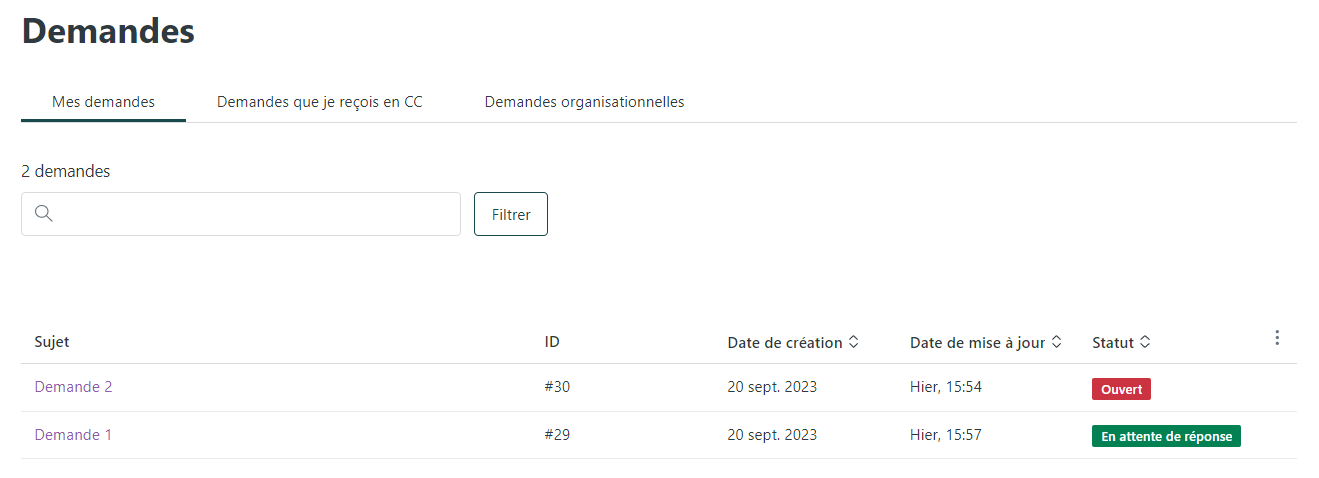
Once logged in with your credentials, you arrive on the page that will allow you to manage your tickets / requests.
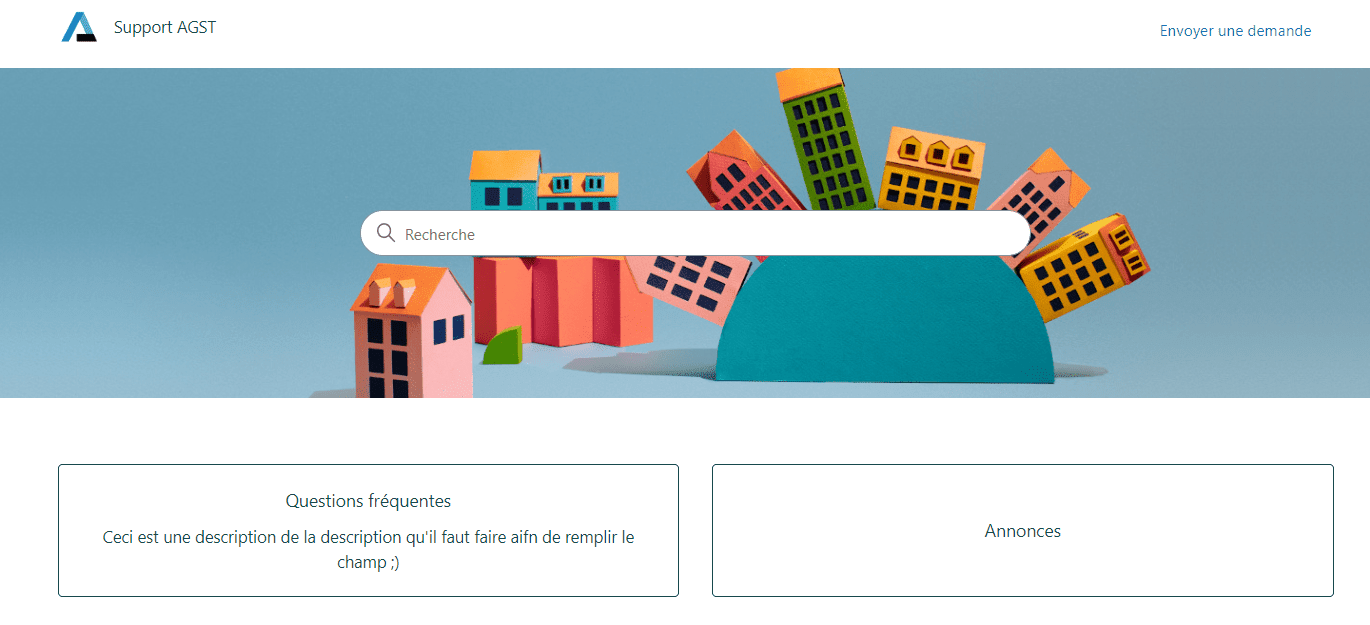
At the top right, click on "Send a request”
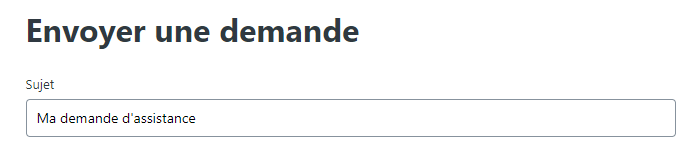
In the field "Subject” please include a brief summary of the problem.
ex. : [Client] Problème audio appel entrant 
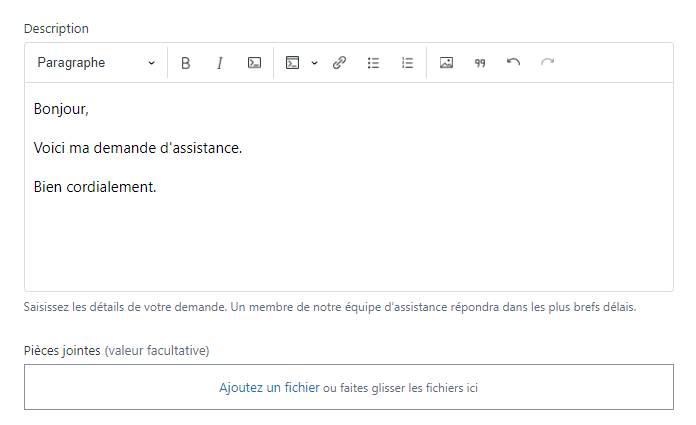
In the field "Description” indicated first, please provide the following information:
Votre nom et prénom :
Comment vous joindre : ligne directe/mobile
L’URL du PBXware concerné : URL/IP (veuillez nous ouvrir les ports en cas de filtrage)
Identifiants administrateur de votre PBXware : peut être partagé via un logiciel de gestion de mot de passe (BitWarden etc…)
Le cas échéant un compte accès temporaire : identifiant et informations relatives au souci For systems operating from a local network or behind a firewall, these ports must be opened/redirected:
Web interface:
- TCP: 80, 81, 443
SSH access:
- TCP for PBXware: 2020
- TCP for SERVERware: 2020, 2222
To conclude your request, please give us a description of the problem you encountered, the tests you performed, and how to reproduce this technical issue.
In the attached files, please include items from your tests, such as a PCAP trace or the logs. All that remains is to press the button Send.
Incident tracking
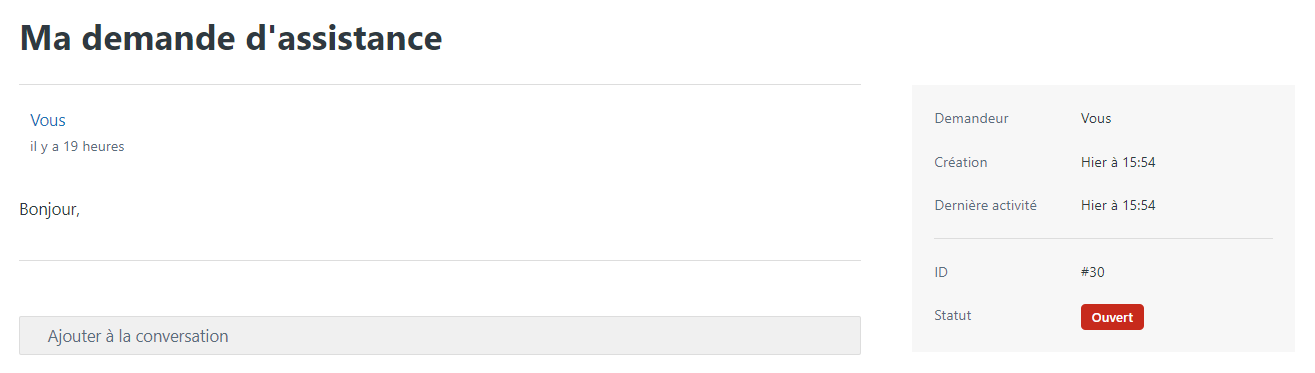
You will then be able to access your support request and follow its progress: 
Finally, you will be able to view all your open support requests and their respective status: