



Voicemail
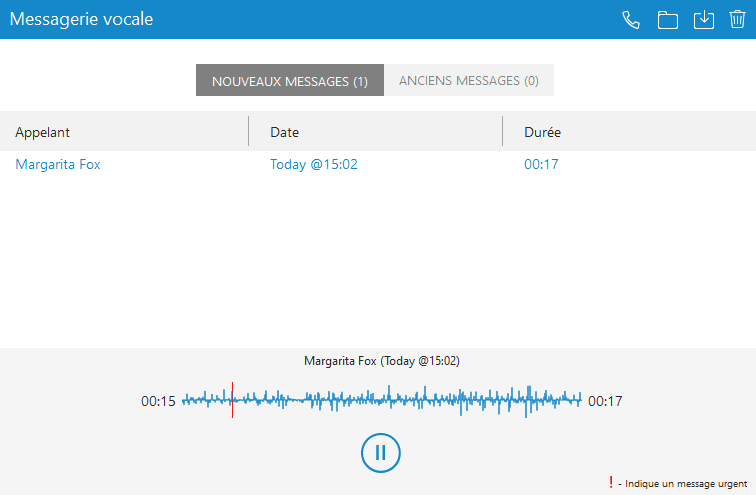
Select a voice message and click  to delete it permanently.
Click on to move the selected voice message to the old messages directory.
Click on to call a contact who left a voice message.
Click on to save a voicemail file to disk.
Click on to play the selected voice message.
Click on the tab to display new voicemail messages.
Click on the tab to display old voicemail messages.
to delete it permanently.Click on
to move the selected voice message to the old messages directory.Click on
to call a contact who left a voice message.Click on
to save a voicemail file to disk.Click on
to play the selected voice message.Click on
the tab to display new voicemail messages.Click on
the tab to display old voicemail messages. 