Callback calls are useful when a softphone cannot be registered due to an error or when poor network quality affects call quality.
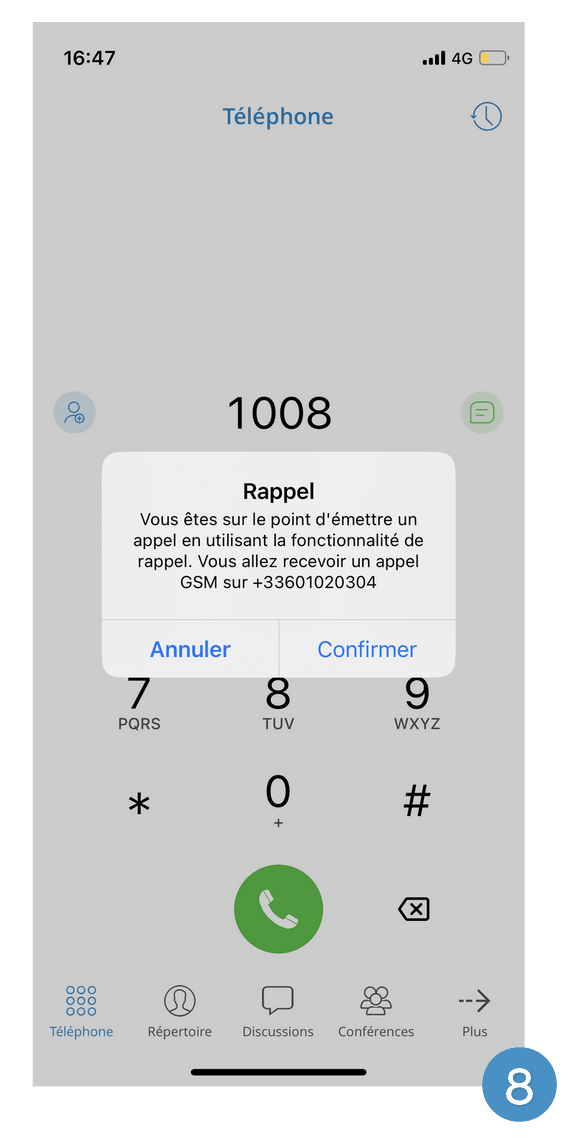
When using a callback, Communicator GO tells the server to call the user's callback mobile number via a GSM network.
The VoIP protocol will connect the other party, if possible, or the GSM. For the callback feature to work, users must select a number in the callback settings of the application where they will receive GSM calls.
Use callback
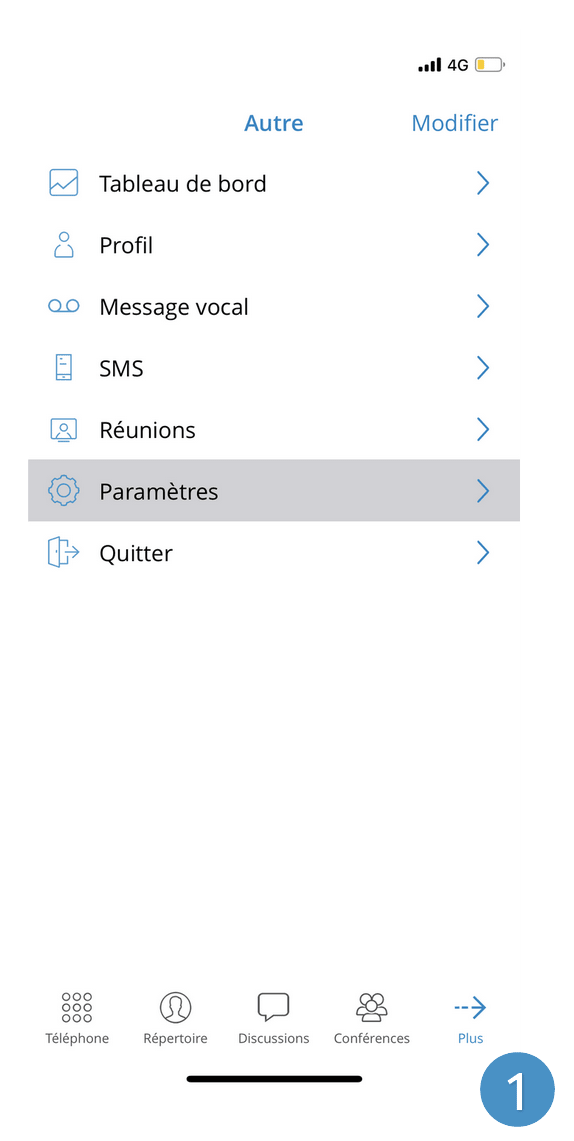
Tap Settings
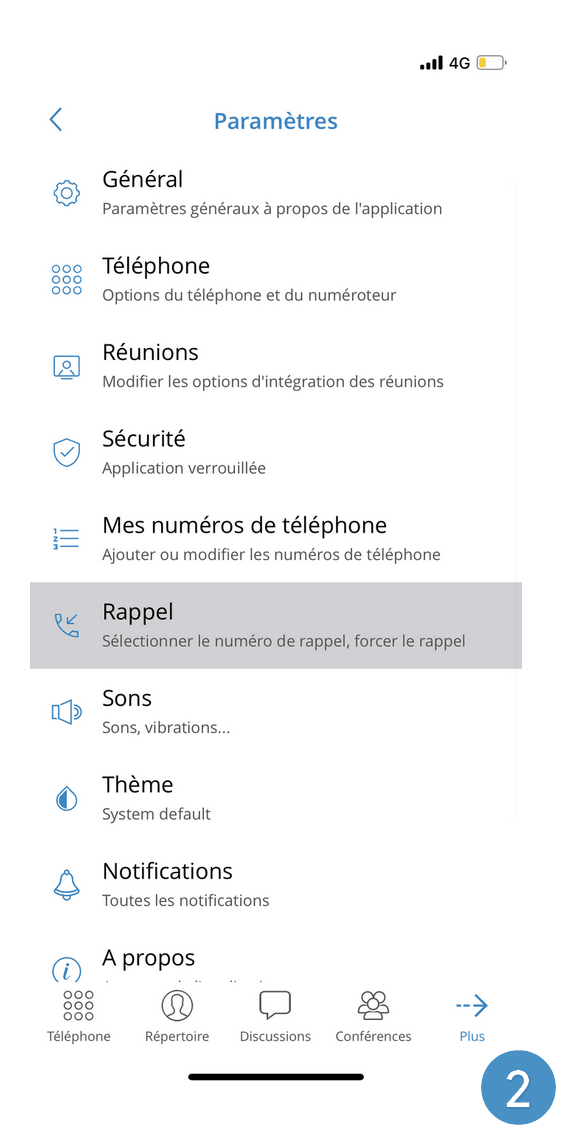
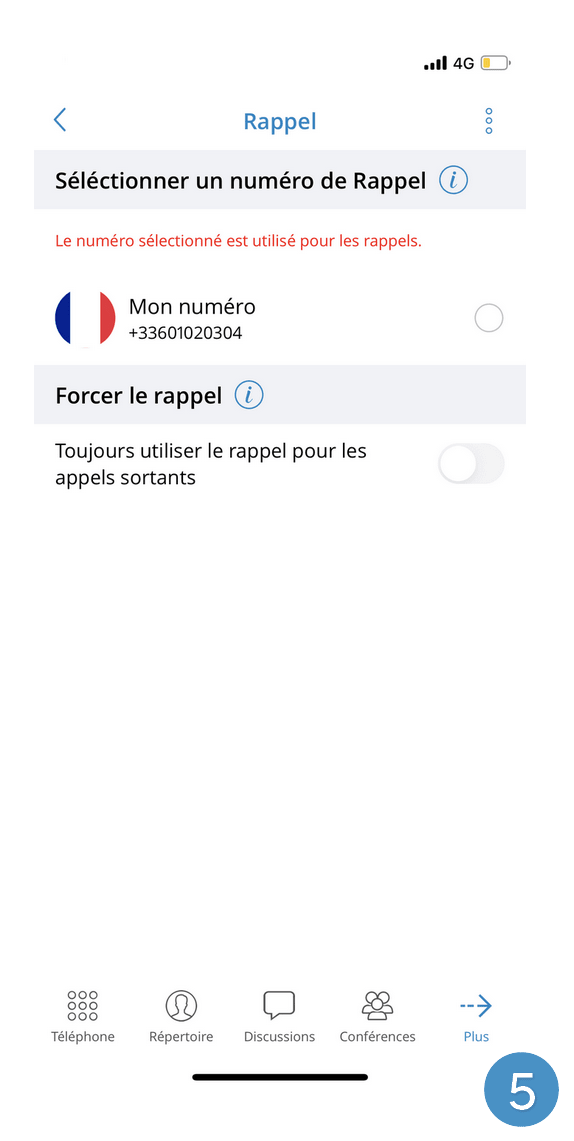
Tap Callback
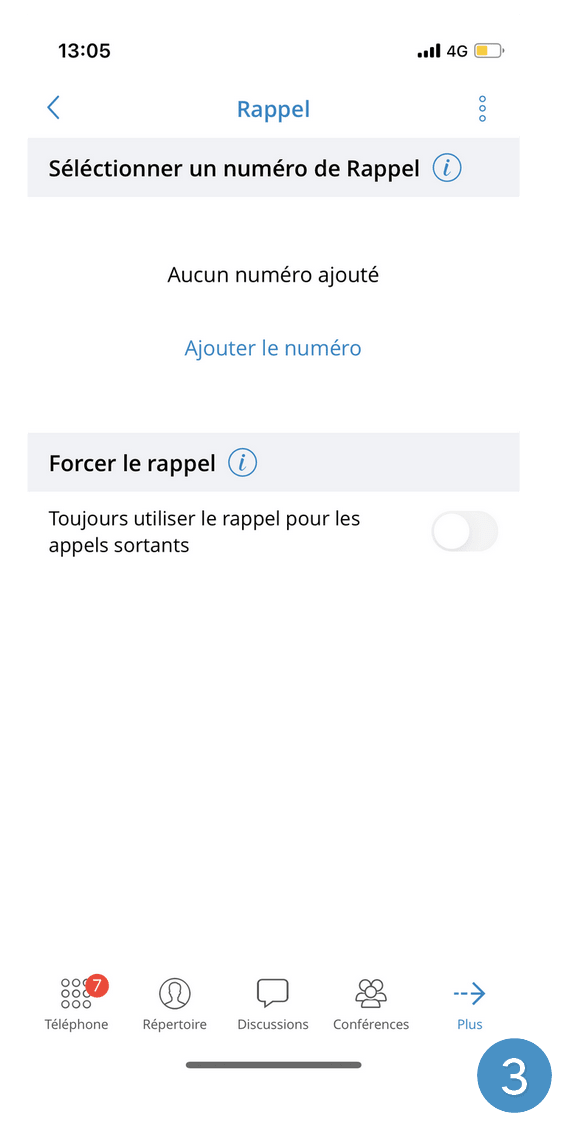
Tap Add the number
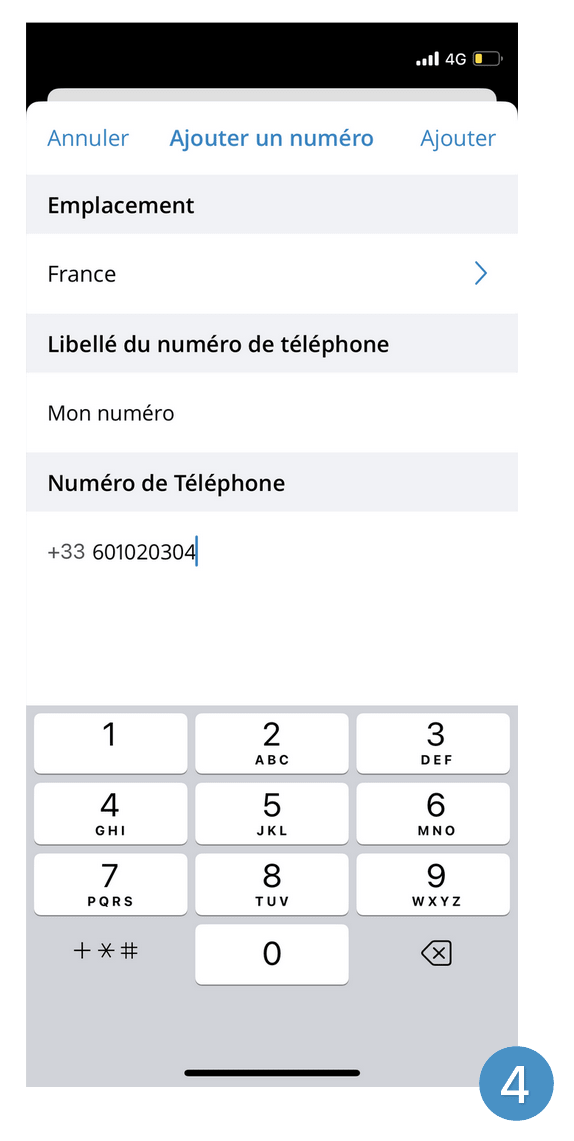
Enter your mobile number
Your number should now appear
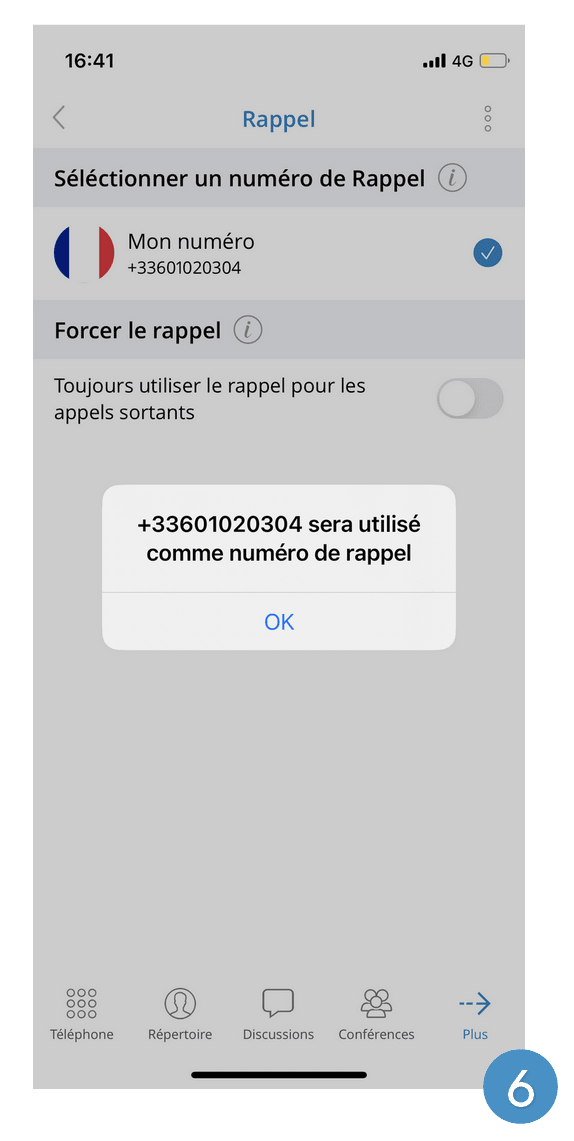
Press the corresponding number. You will be informed that this number will be used
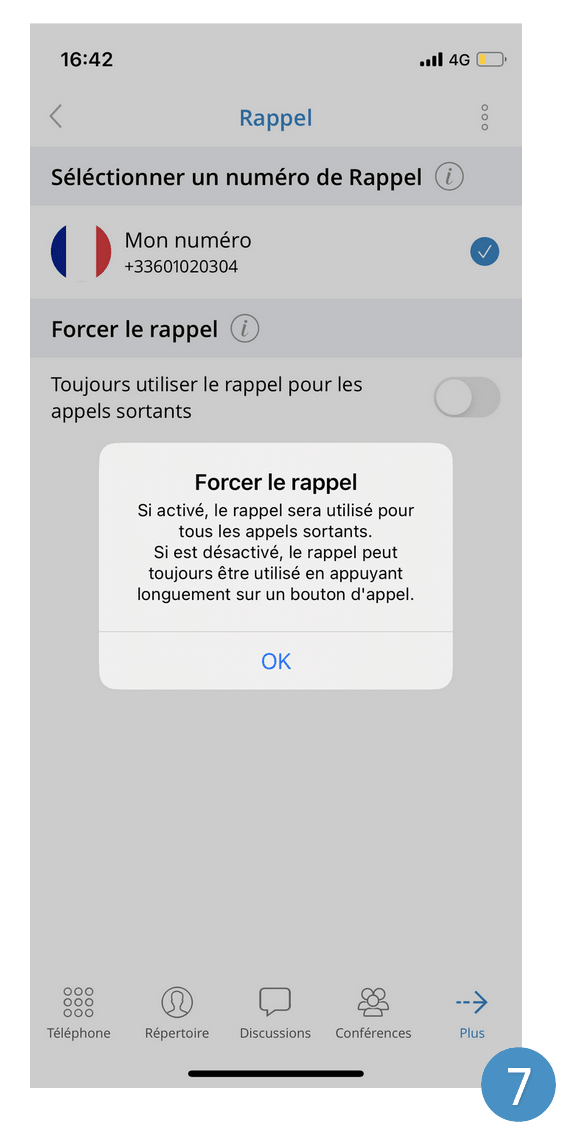
You can force the callback for outgoing calls by checking the option set