Logout
Estimated reading: 1 minute
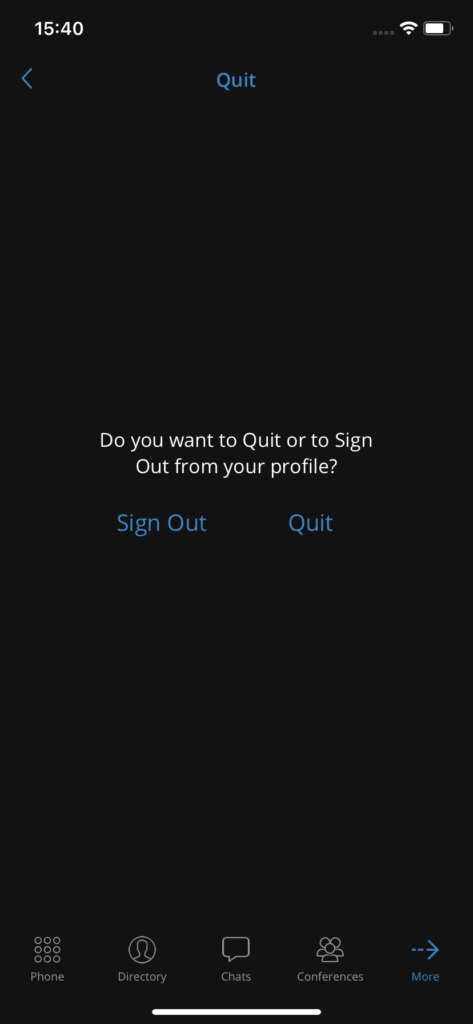
There are two ways to exit Communicator GO when users press Quit in the menu More .
The logout will clear the profile data and users will be prompted to provide a password the next time they start Communicator GO.
Users can also use for quit the application. This exits Communicator GO leaving all profile data and all settings intact. The next time users start Communicator GO, they will not be asked for a password. Quitting will also disable push notifications, and they will be automatically enabled the next time users enter Communicator GO.