



Voicemail
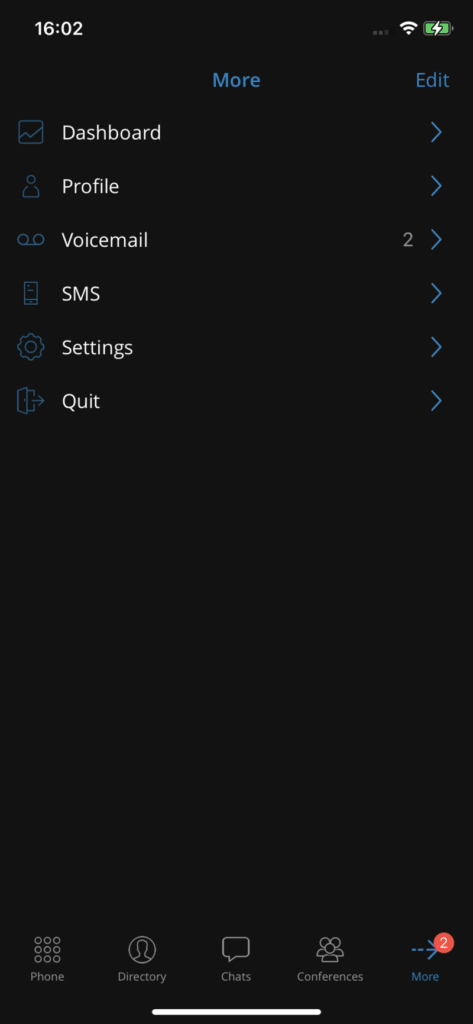
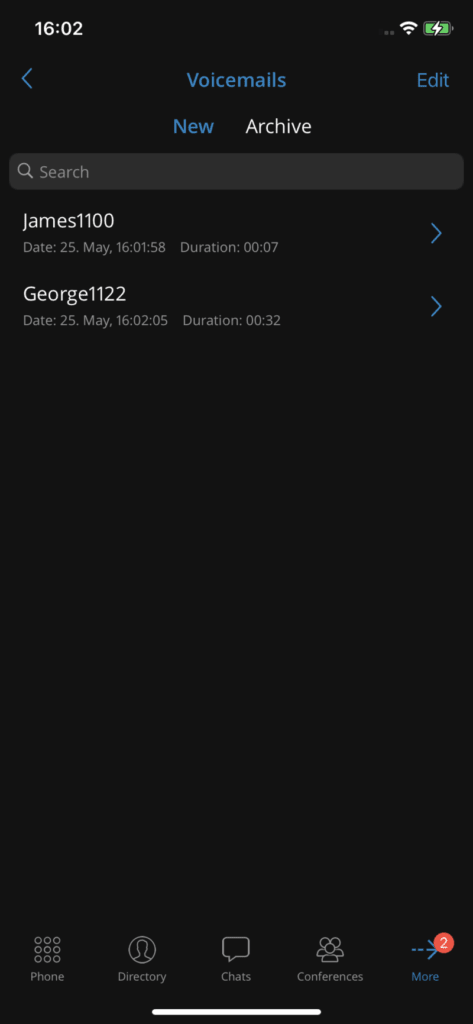
With Communicator GO, users can listen to new voicemail messages and archived ones, and archive or delete one or more messages. Users can also directly call other users’ voicemail.
Listen to voicemail messages
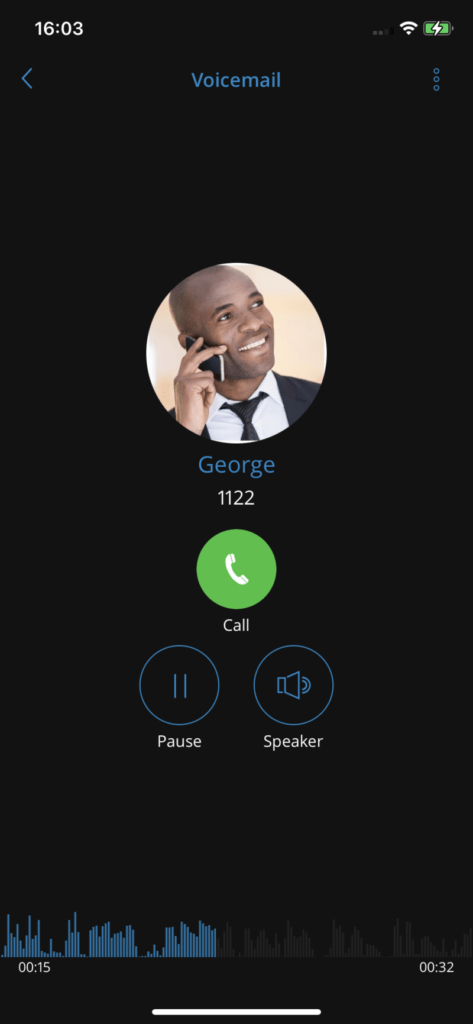
Messages can be played by selecting them from the list and then playing them. If the message is not downloaded when you press Play, a progress dialog will be displayed, and once the download is complete, playback of the message should begin.
Delete and archive voicemails
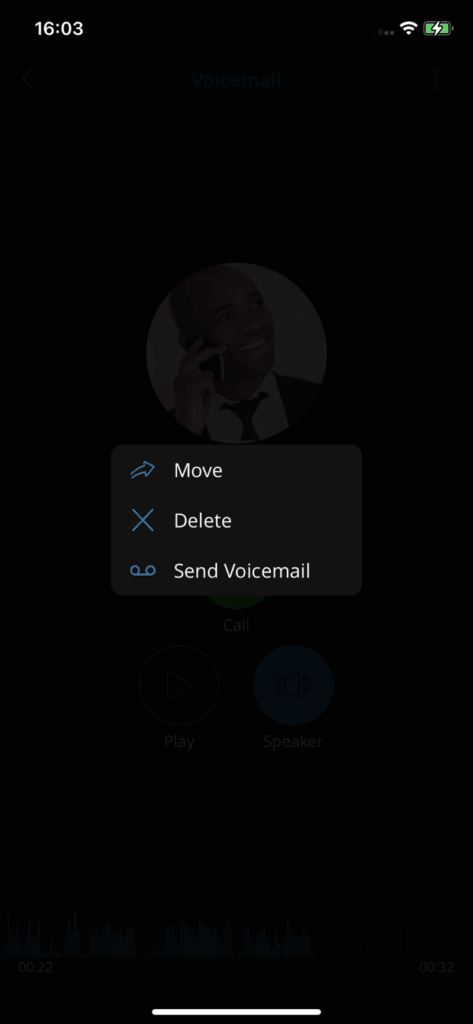
Users can delete or archive individual messages by opening them, then tapping the icon deletion or the icon archive after opening the menu from the navigation bar.
Users can also select more messages and delete or archive them by long-pressing a message in the list and tapping the delete icon or the archive icon in the toolbar.
Call other voicemail boxes
Users can open the user details screen and tap the button voicemail to call voicemail directly.
