


FR | EN
Wiki Bicom Systems EnglishWiki Bicom Systems English
  • Home
  • Documentation
    • PBXware
      • Installation
      • Getting started
      • Editions
        • PBXware Multi-Tenant
        • PBXware Business
        • PBXware Contact Center
        • PBXware Service Provider
      • Advanced services
      • Supported phones
      • Autoprovisioning
    • Communicator
      • Communicator Desktop
      • Communicator GO
      • Communicator Web
    • SERVERware
      • Standalone
      • Mirror
      • Cluster
    • sipPROT
    • Tutorials
  • Videos
    • Communicator Desktop
  • Operators
  • Downloads
  • FAQ
Support
leafleaf
Most popular:
  • PBXware
  • Communicator
  • SIP
  1. Home
  2. Communicator GO
  3. iPad support
Updated on April 24, 2024
Communicator GO
  • Folder icon closedFolder open iconPhone
  • Folder icon closedFolder open iconMake calls
  • Folder icon closedFolder open iconConferences
  • Folder icon closedFolder open iconCallback calls
  • Folder icon closedFolder open iconDirectory
  • Folder icon closedFolder open iconMeetings
  • Folder icon closedFolder open iconChat
  • Folder icon closedFolder open iconFailover support
  • Folder icon closedFolder open iconSMS
  • Folder icon closedFolder open iconVoicemail
  • Folder icon closedFolder open iconPresence
  • Folder icon closedFolder open iconDashboard
  • Folder icon closedFolder open iconiPad support
  • Folder icon closedFolder open iconDark theme
  • Folder icon closedFolder open iconLocations (translations)
  • Folder icon closedFolder open iconSettings
  • Folder icon closedFolder open iconVideo
  • Folder icon closedFolder open iconLogout

iPad support

Estimated reading: 1 minute

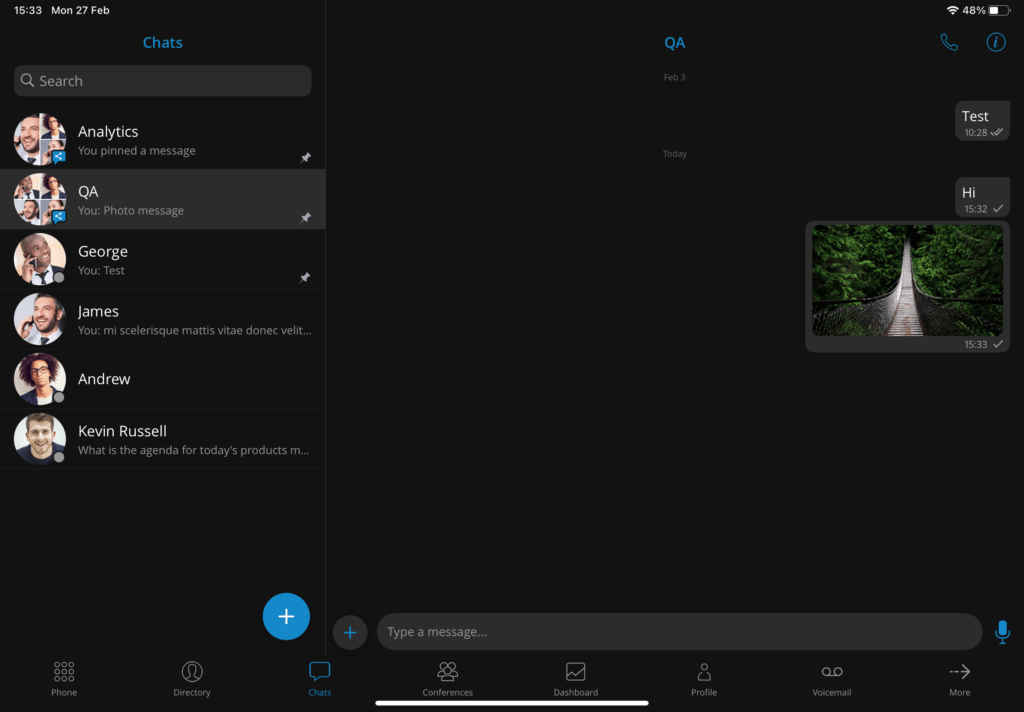
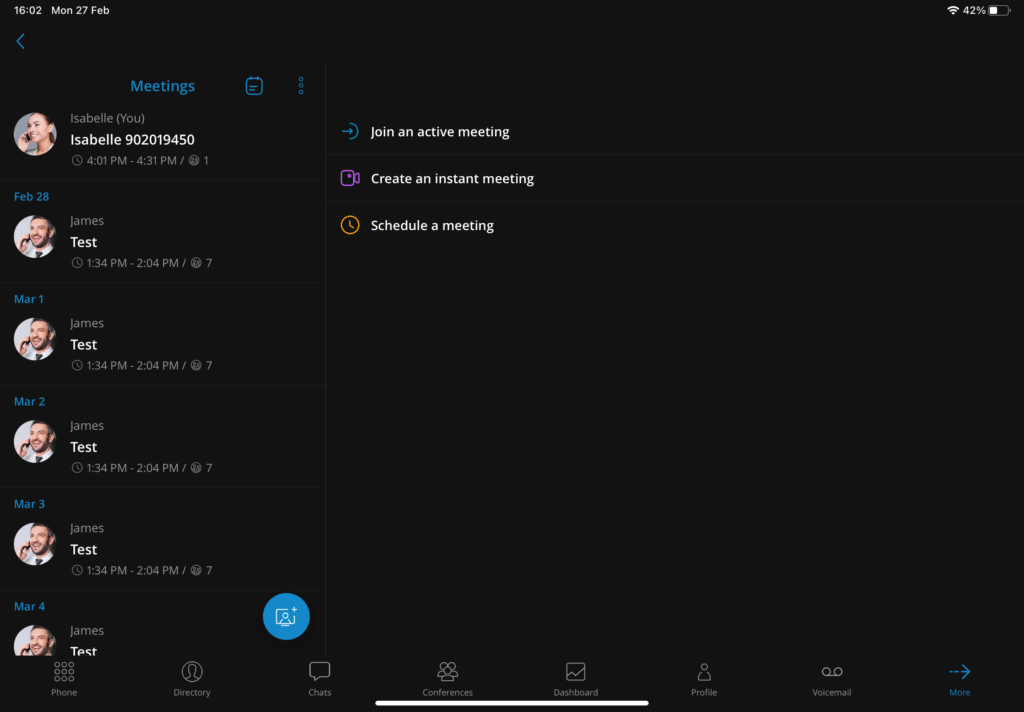
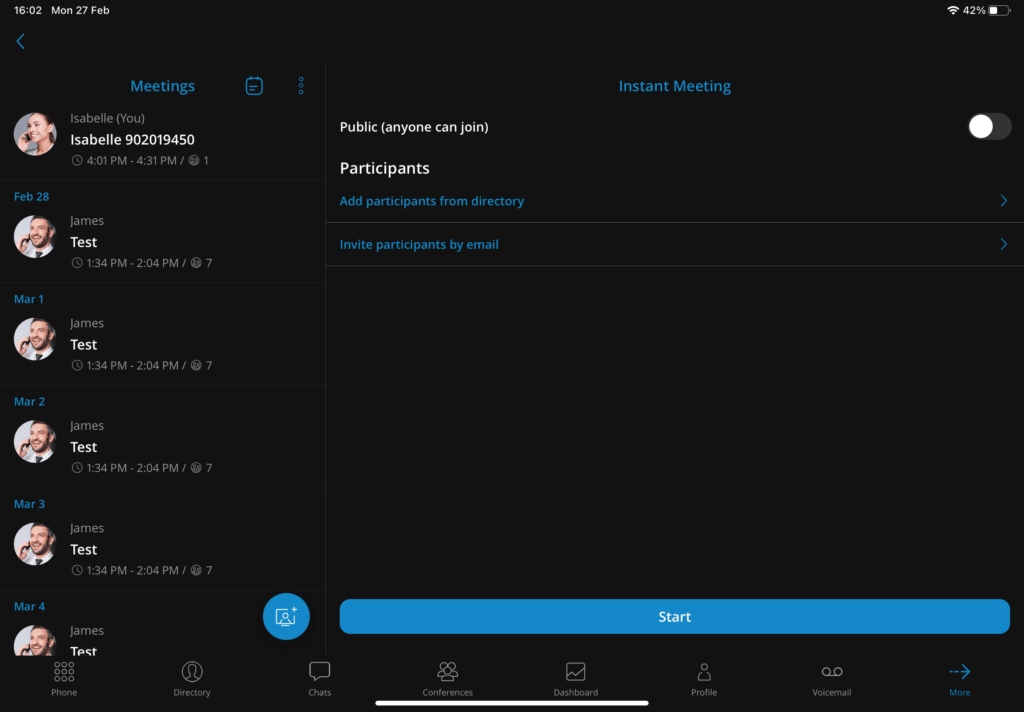
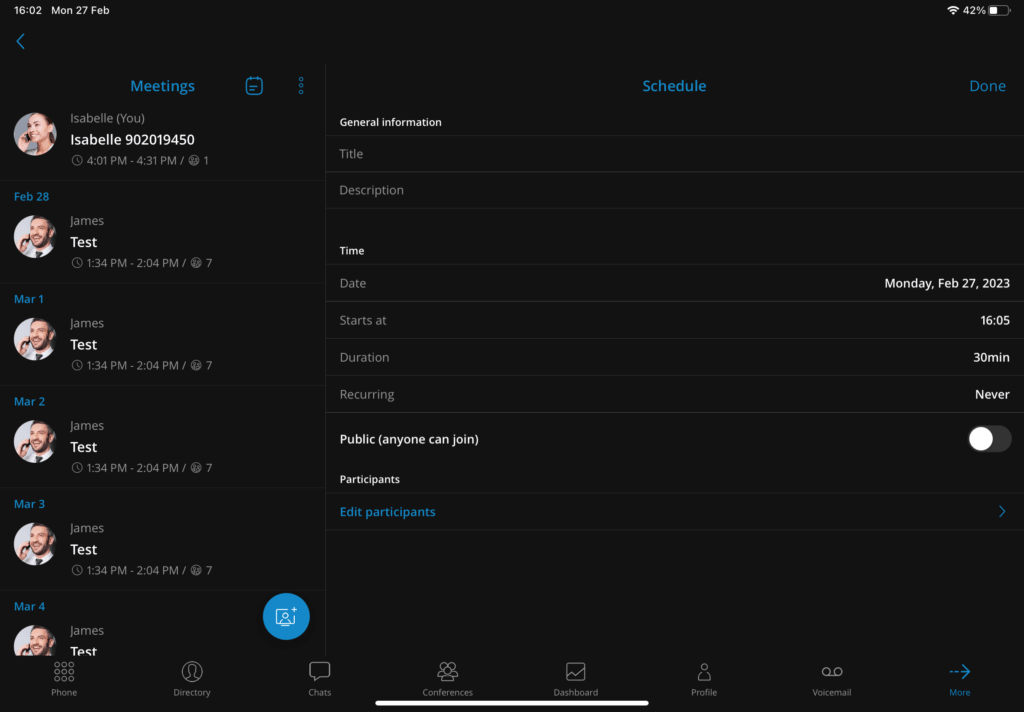
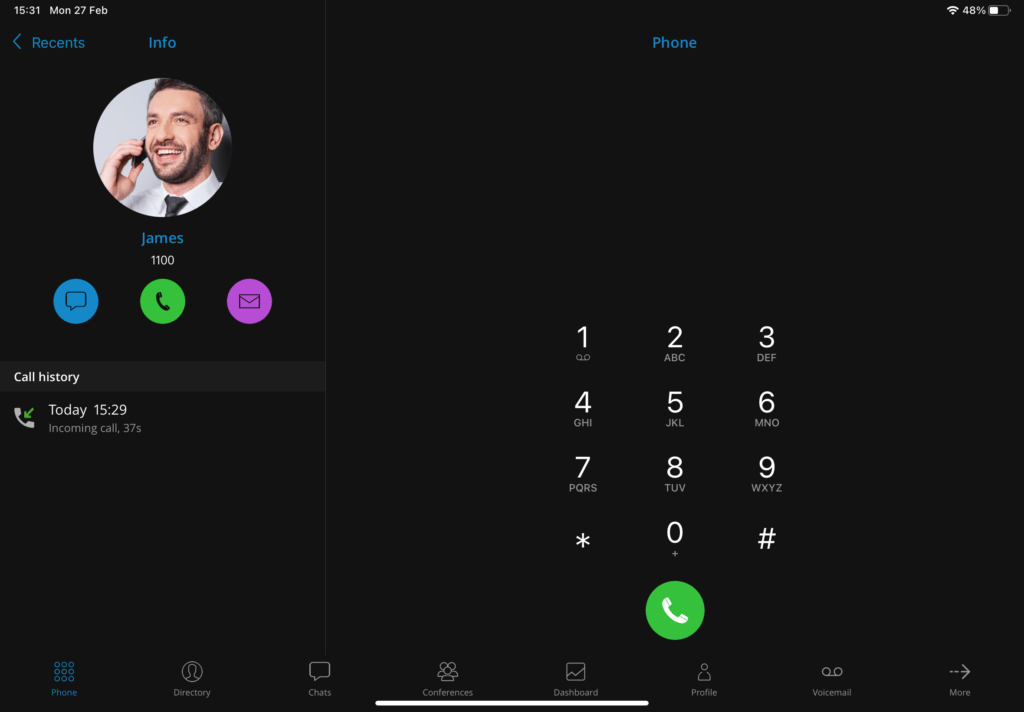
A new feature in Communicator GO v7.0 is iPad support. The application is installed and used on iPads just like on mobile devices.

All screens have been fully optimized for display size, and screen rotation is supported. This feature offers our users a new feel and functionality for Communicator GO.

Share

iPad support

Or copy the link below

Clipboard Icon
CONTENT
Leaf Illustration

© Bicom Systems France

Last updated: 4 July 2026 Legal noticePrivacyCookiesTerms © 2026 Bicom Systems