Conferences
Conferences
Conference calls allow users to make calls with multiple participants (external or internal).
There are two types of conference calls:
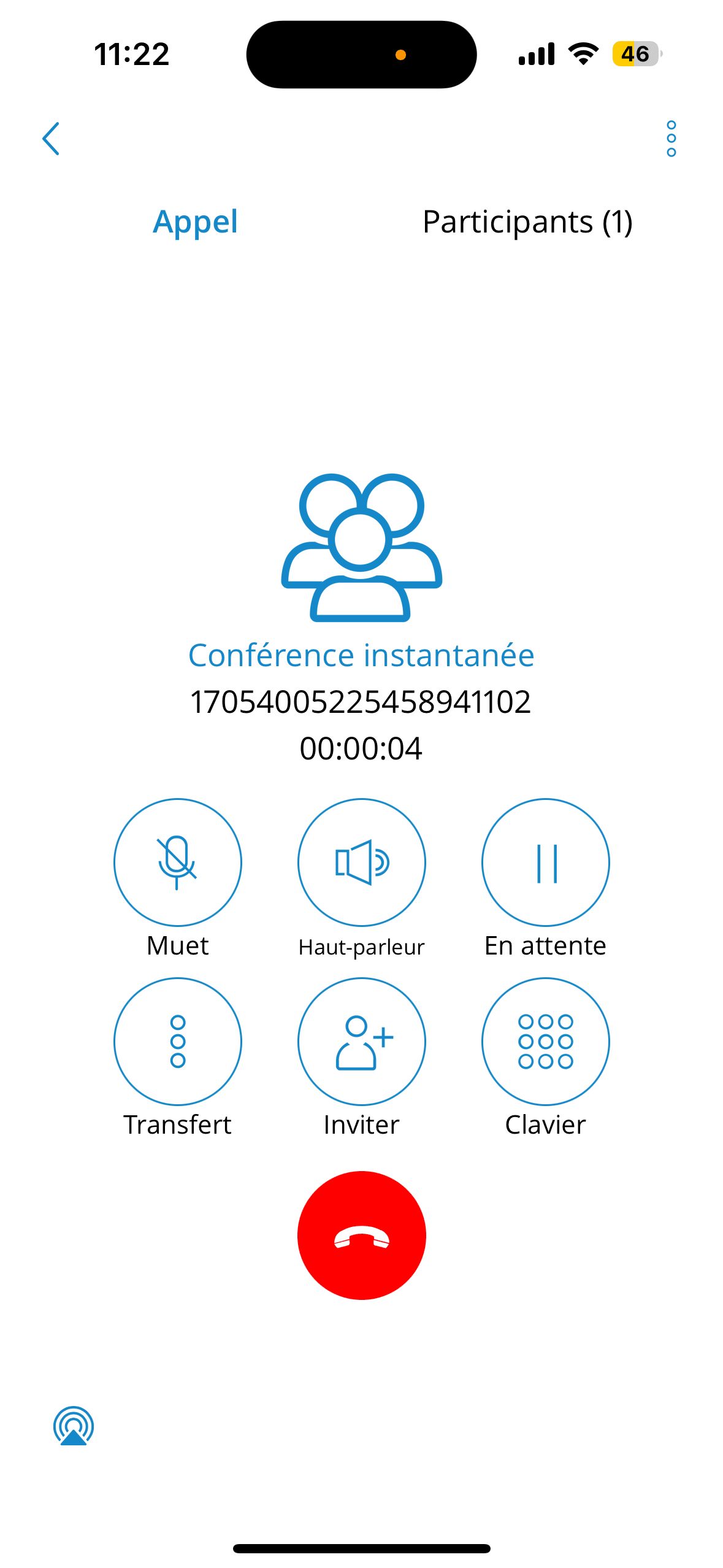
Instant (dynamic) conferences: users can create a conference call by adding one or more people to an ongoing call or through the conference section. With this option, the user can add contacts or any number available in their contact list. If the user missed the conference call, they can still join it from the Call History tab, provided a conference call still exists, by clicking the Dial button.
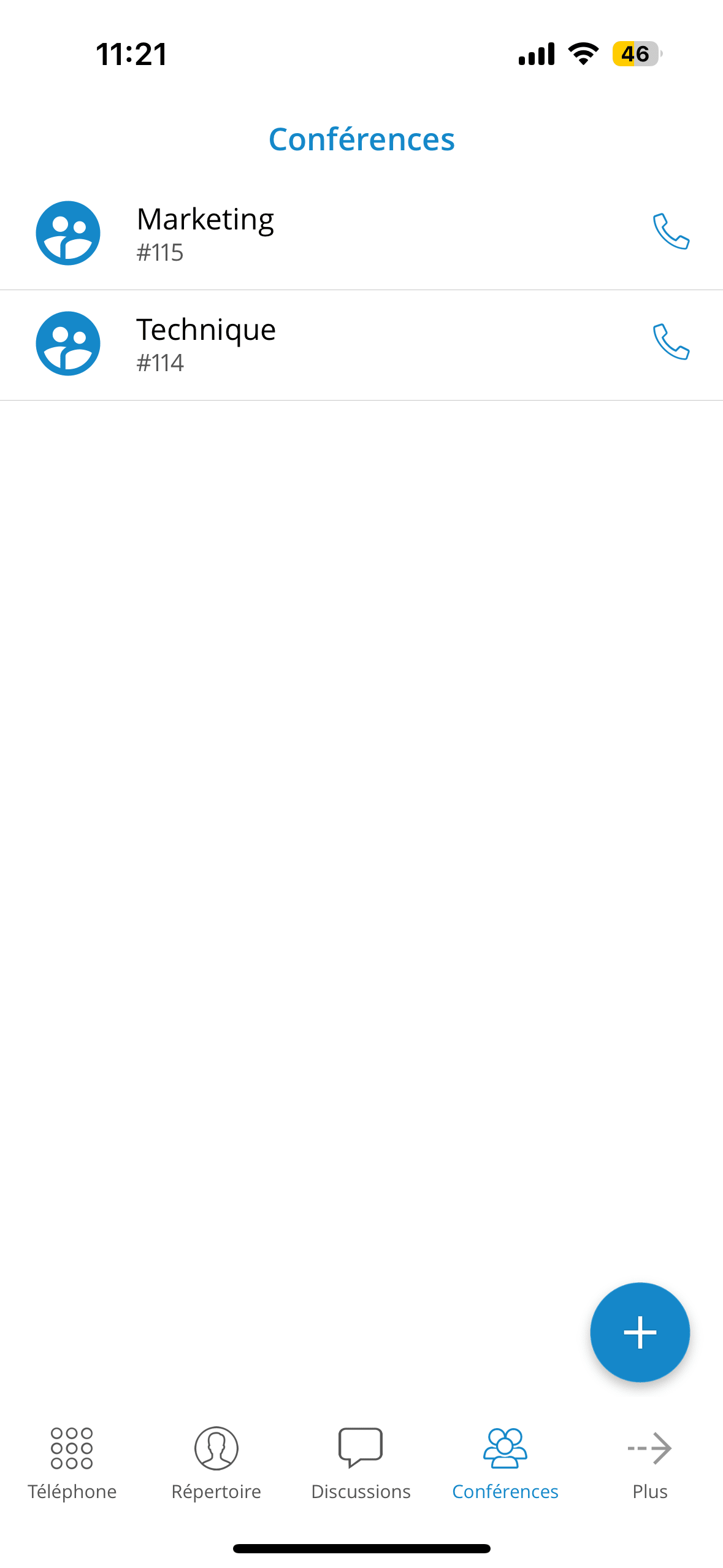
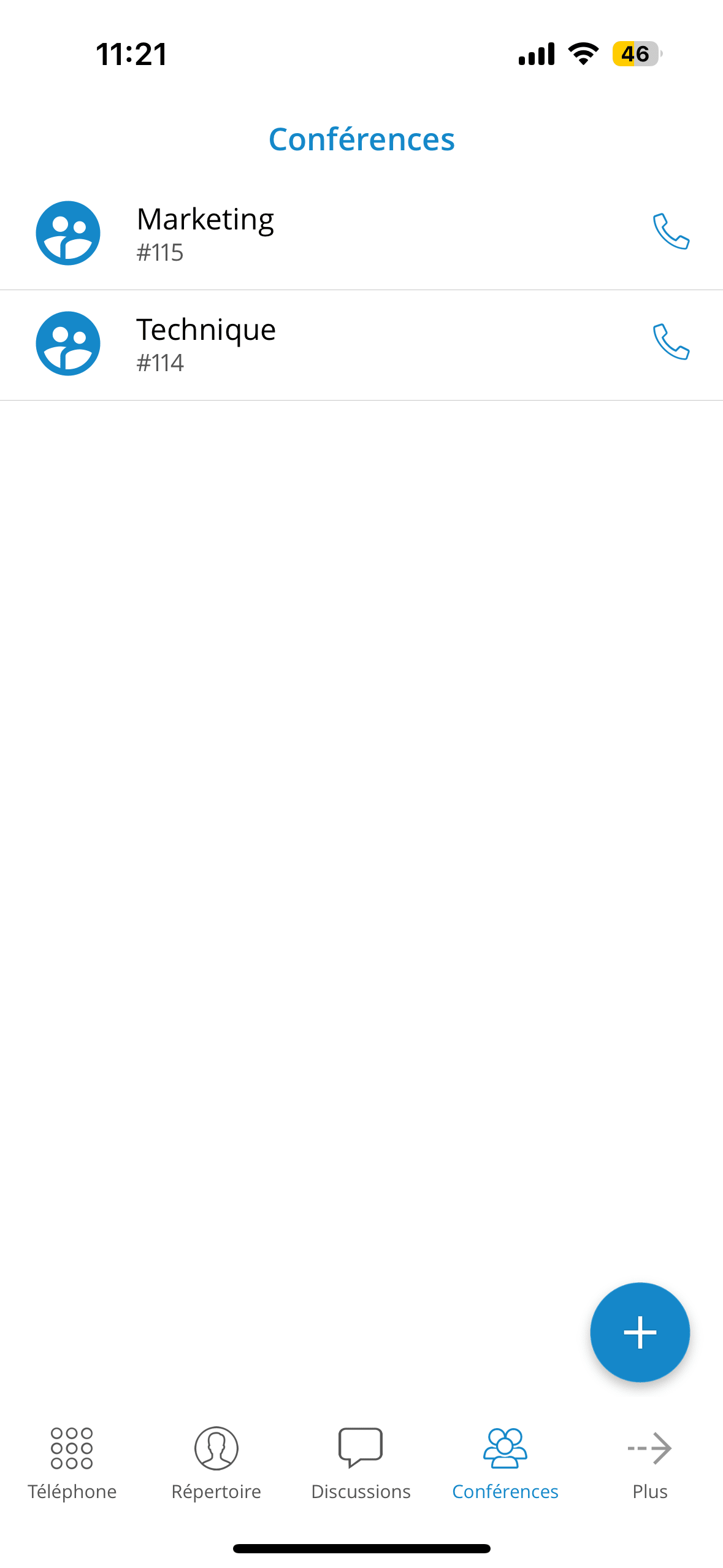
Static conferences: users can join predefined conference rooms and add other participants. A conference number appears next to the conference name in the conference list for static conference calls. Static conferences can be added to PBXware by the PBXware administrator.
Selecting an ongoing conference on the conference list screen will display a list of participants and the "Join this conference" button at the bottom, allowing users to join the selected conference. The list of participants is updated in real time as users join or leave the conference room.
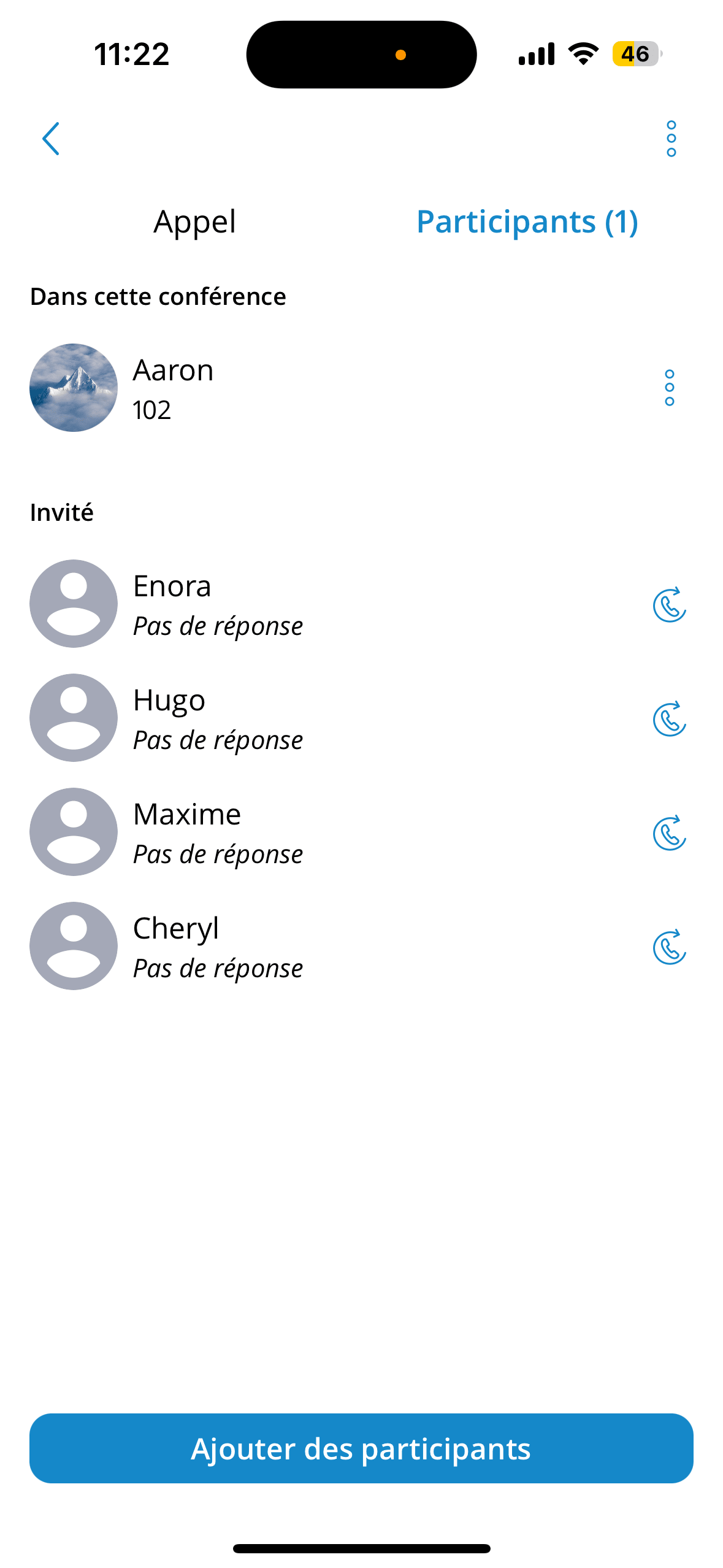
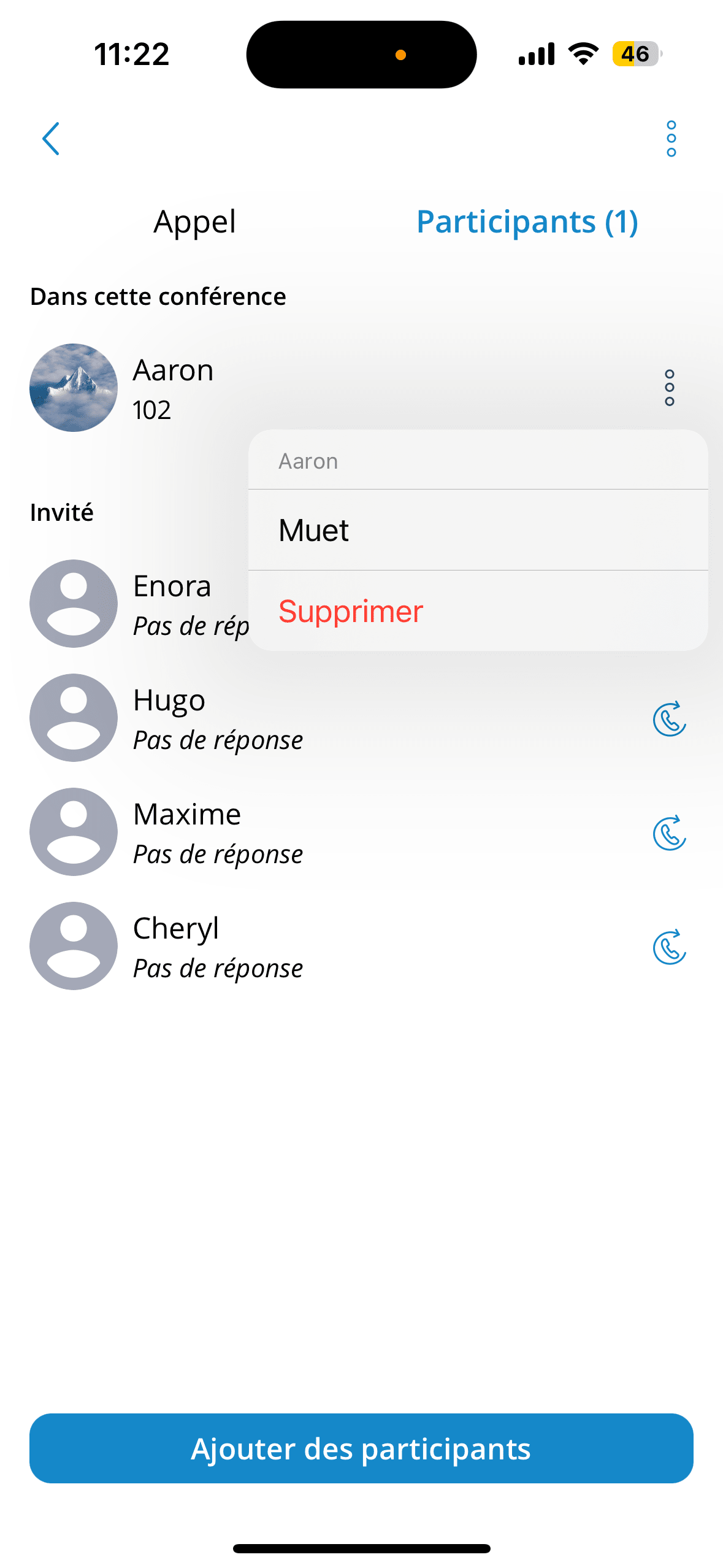
The participant list screen includes two sections:
• In this conference – if the participants have already joined the conference.
• Guests – if a conference invitation has been sent and the users have not joined the
conference.
Their status will be Ringing or No answer.
Start a conference from recent calls
If there is a missed call from a conference in recent calls, users can press the call button of that call and join the instant conference only if that conference is still active.
Conference list screen
Communicator GO has a conference screen list, which offers more information and a better user experience for ongoing conferences with participants. Active conferences with participants are visible at the top of the conference list screen.
Furthermore, in an active conference with participants, the names and avatars (if available) of 3 participants (or 2 if only 2 remain) will be visible at the top of the conference list screen. In addition to the name of the active conference, the number of participants in the conference is also visible on the screen, along with the conference number and the button to join the conference.