Dark theme
Estimated reading: 1 minute
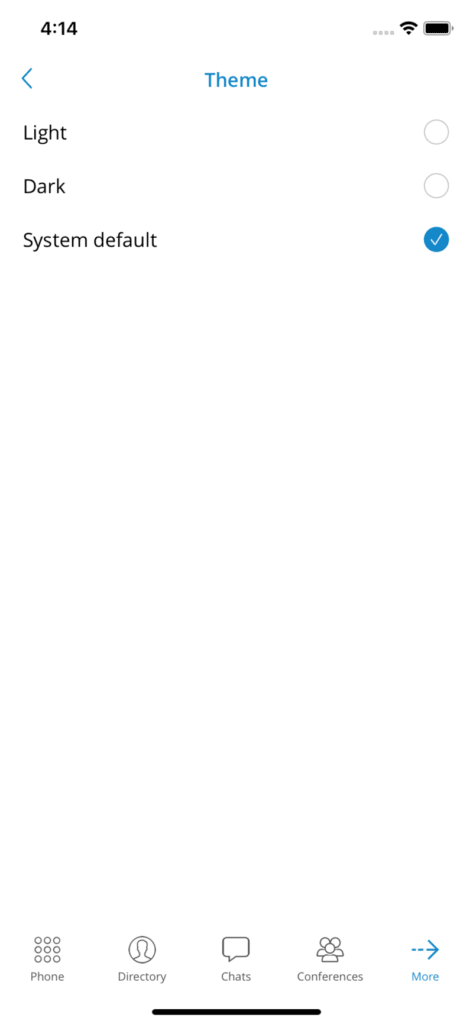
gloCOM GO users can select a light theme, a dark theme or the system default theme. Dark mode will follow the system options if dark mode is selected in the device system.
In order to select a light, dark or system default theme, users press Theme in Settings and select the preferred theme from the context menu. Once the preferred theme is selected, it will change immediately.