



Video
Estimated reading: 1 minute
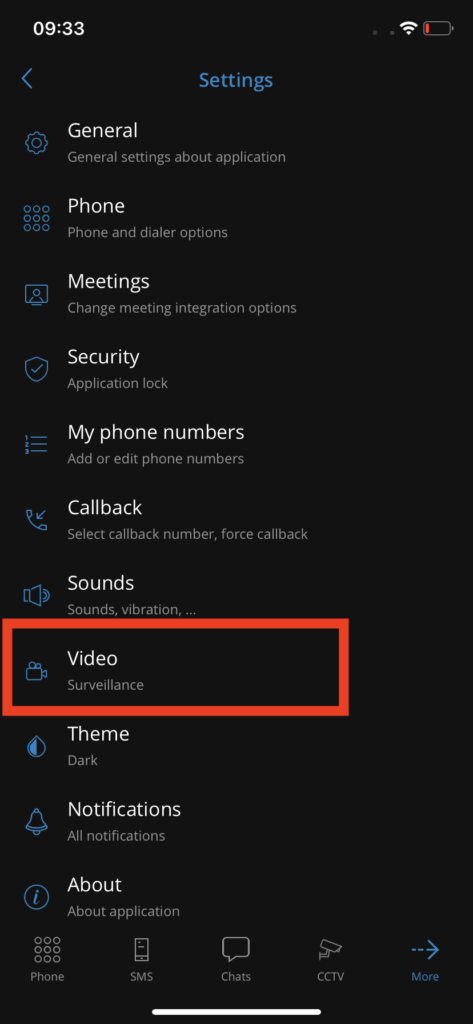
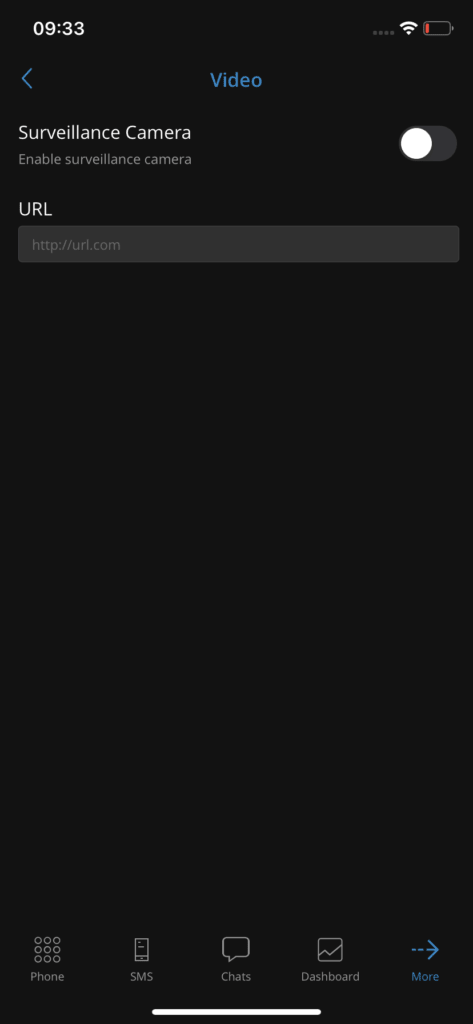
By pressing Settings, then Video, you access the section where the surveillance camera can be enabled/disabled.
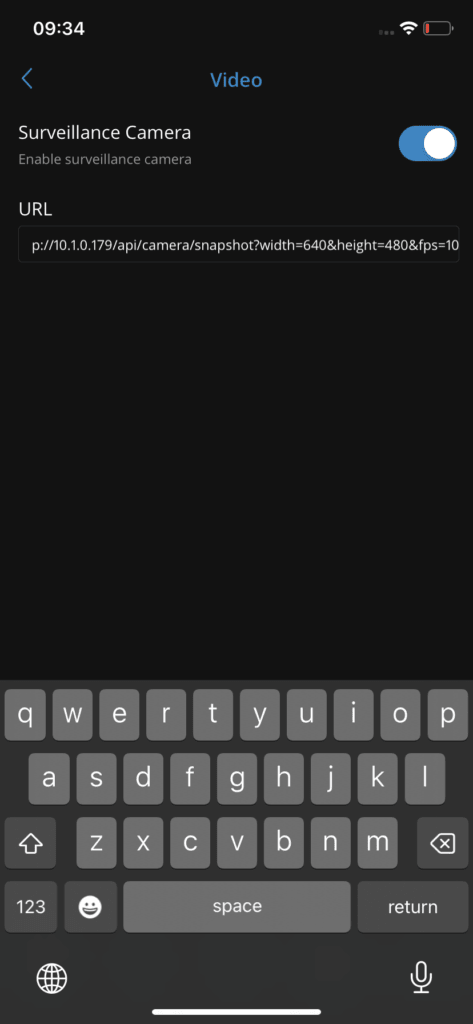
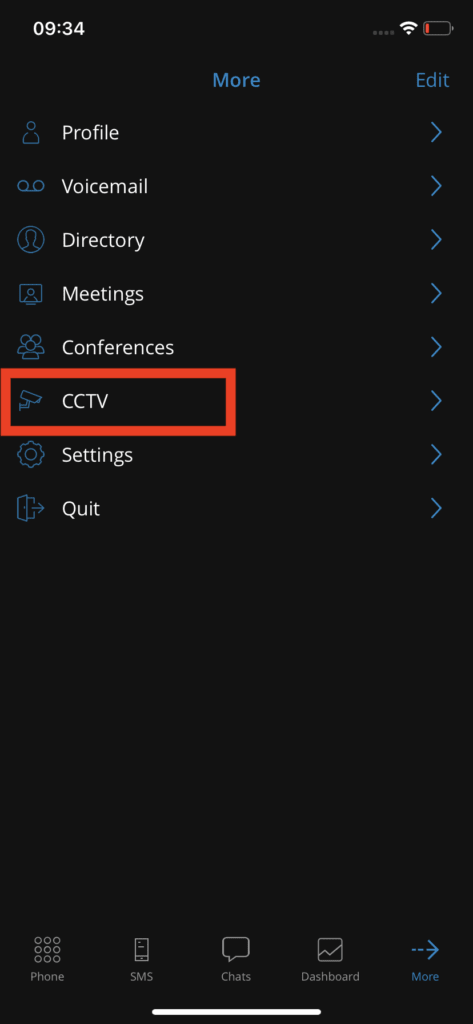
Users will need to provide the URL of the surveillance camera stream, which allows them to view the video surveillance footage from their device in gloCOM GO.
Back
Comments can be submitted by pressing Settings , then on Comments, which will allow users to send comments from Communicator GO. The comment text must be more than ten characters long for the button Send is enabled. Users will be notified of successful or failed comment submissions.
