Settings
General – the option displays a screen with the general settings of Communicator GO.
Phone – displays a screen where the phone and dialer options can be modified.
Meetings – displays a screen where the meeting integration options can be modified.
Security – prompts users to enable biometric security for Communicator GO.
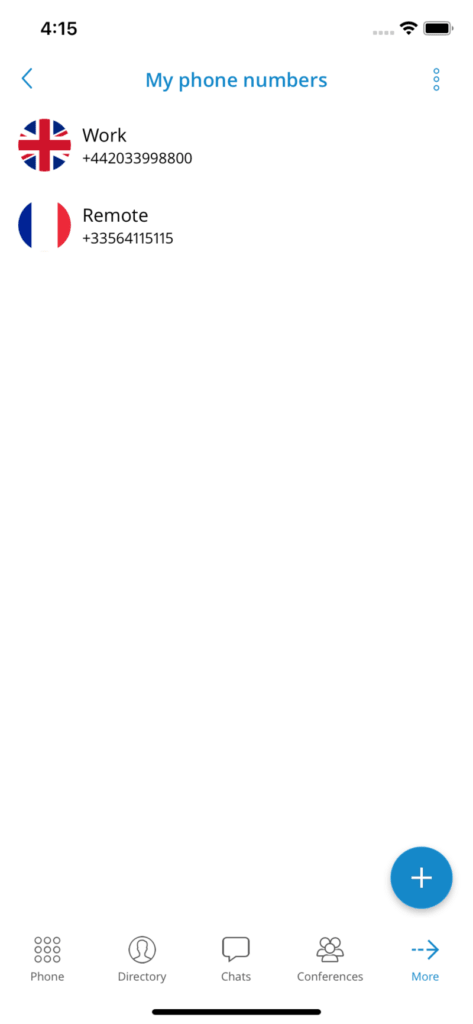
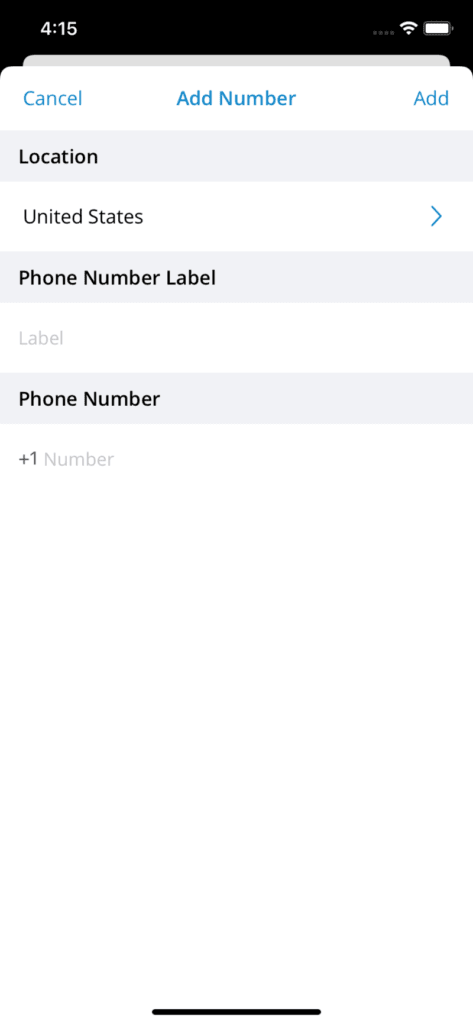
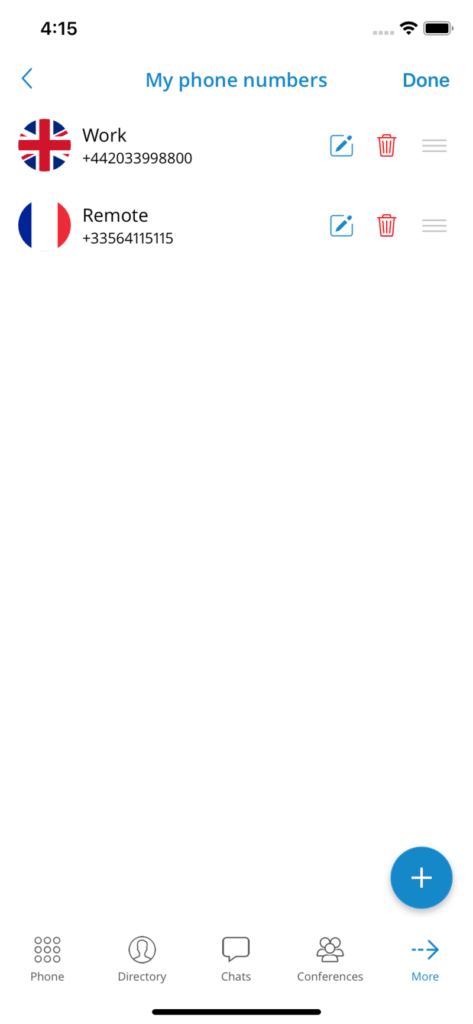
My phone numbers: displays a screen with the settings for country, SIM number, adding, editing, or deleting a phone number, and the phone numbers associated with the user's account.
Callback – screen with the settings of a callback feature.
Notifications – the option displays all the new notifications for Communicator (for example missed calls, new voicemail messages, server notifications, etc.)
Theme – screen with the settings of the Communicator GO theme (dark, light, or system default).
Sounds – provides an option to select a ringtone for incoming calls and to enable/disable keypad sounds.
About – will display the About page of Communicator GO with the version number and contact information.
Licenses – displays a screen with a list of Communicator GO libraries.
Send comments – launches the built-in feedback submission form.
My phone numbers
This section contains numbers defined by the user's account. Users can add more numbers using the button ADD A NEW NUMBER and sort them by priority using the drag option on the right side of the number and label. These numbers appear in a list of numbers associated with the user's account when someone tries to call them from Communicator GO or Communicator.