



Create an enhanced extension group
Enhanced call groups (ECG) are an advanced version of call groups, incorporating essential queuing features. They optimize the use of queues and their members to strengthen business intelligence. In addition, new reporting systems and advanced options have been put in place to improve the monitoring and analysis experience.
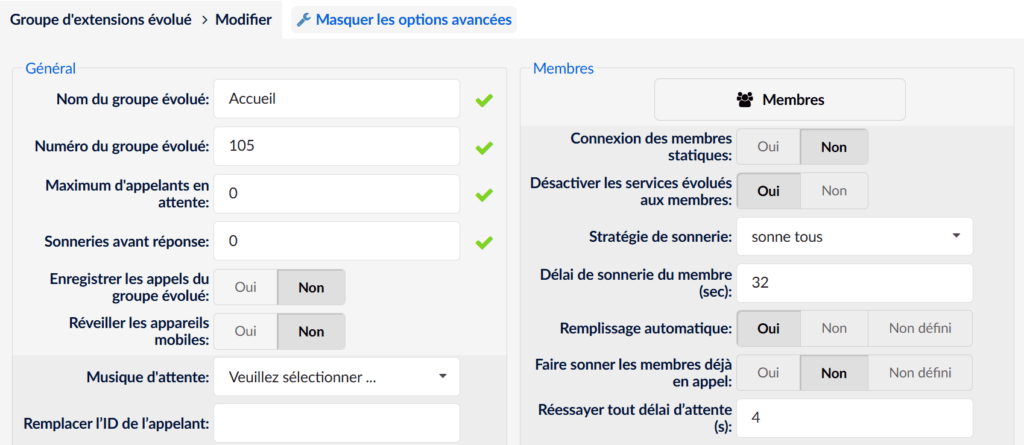
Add an enhanced extension group
To create an enhanced extension group, go to the section Extension groups > Enhanced extension group
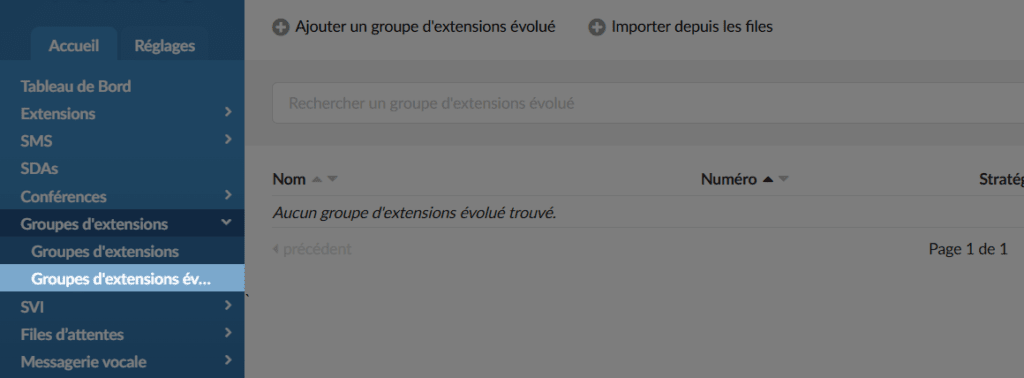
Click the button Add an enhanced extension group
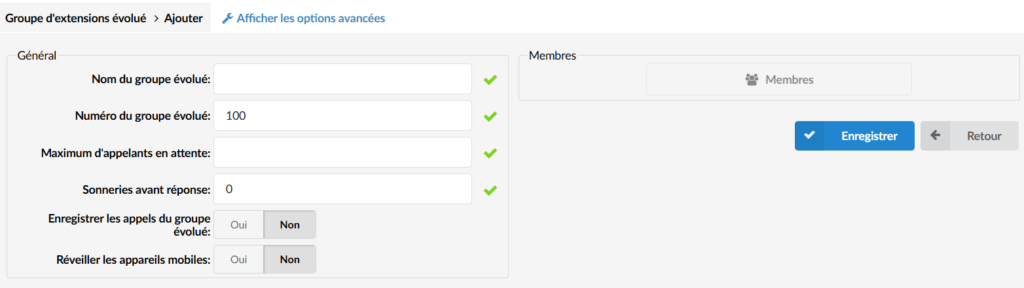
Call management & redirection
Many options allow you to fine-tune the arrival of calls in your call group.
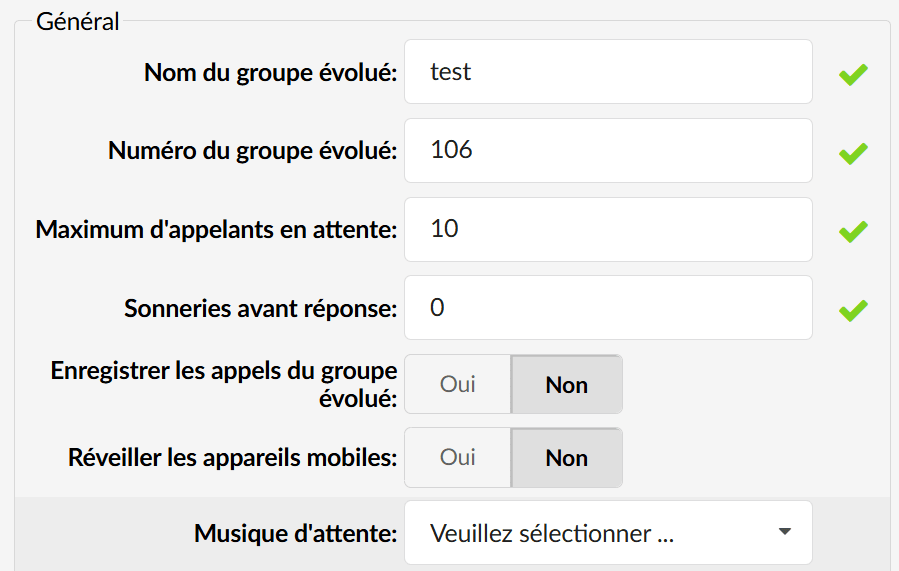
Maximum number of waiting callers : Sets the maximum number of callers allowed to wait in a group. This setting should be set according to the number of members in the group and the average call volume.
Music on hold: plays music when the extensions are ringing.
- Wake up mobile devices : Enables push notifications to wake up mobile devices when group members are offline or their phone is locked.
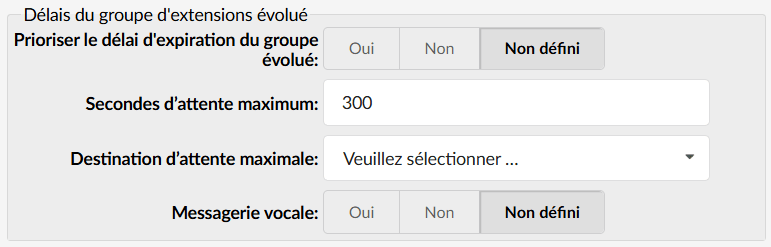
- Maximum wait time and maximum wait destination : Sets the maximum time a caller can wait in the group before being redirected to a specified destination (for example, voicemail, group, extension..).
Example: Set the maximum wait time to 300 seconds for a Sales Group with 8 members. If no one answers within 300 seconds, the caller is redirected.
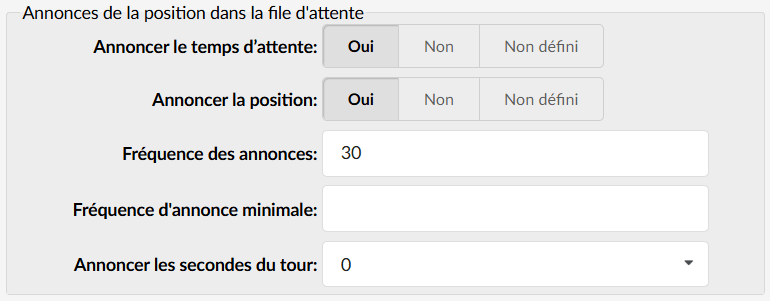
- Announce waiting time : Informs callers of the estimated waiting time (for example, “3 minutes”).
- Announce position : Informs callers of their position in the queue and of the estimated waiting time.
Member management
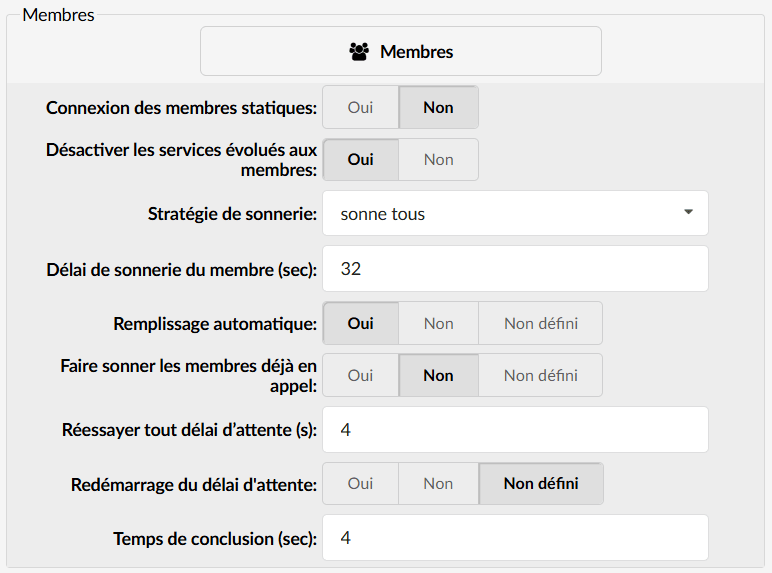
Static member login : Allows group members to log in/log out manually using an access code (*200).
Useful for services operating in shifts (for example, 24/7 Support).
If disabled, members are automatically available when they are added to the group.
Disable enhanced services for members : If enabled, group calls ignore the enhanced services (for example, call forwarding) defined on the individual extensions.
Prevents call forwarding loops and ensures that calls are handled within the group.
Wrap-up time : Sets the time interval (in seconds) before a member receives a new call after finishing the previous one.
Example: Set to 4 seconds to allow members to complete post-call tasks (for example, updating customer information).
Exit digit : Allows callers to leave the group by pressing a digit (for example, 9) and be redirected to a predefined destination (for example, voicemail or operator).
Ring strategies
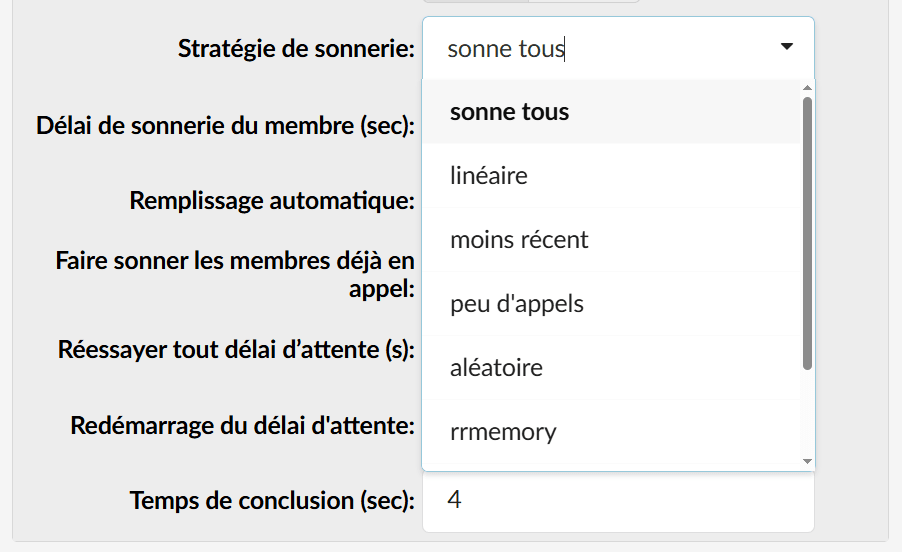
“Ring All” strategy : Rings all available members simultaneously. The first to answer handles the call.
Ideal for small departments with members of similar skill levels.
To be avoided in large services to reduce system load and avoid call avoidance.
“Linear Ring” strategy : Rings the members in a predefined order.
Ideal for departments with varying levels of expertise (for example, senior members first).
May increase wait times if the first members are not available.
“Least Recent” strategy : Rings the member who has not answered a call for the longest time.
Ensures an equal distribution of calls among members.
May increase wait times if members are not available.
“Random Ring” strategy : Rings the members randomly.
Ensures a fair distribution of calls and keeps all members engaged.
May increase wait times if the first members are not available.
“Reordered” strategy : Rings the members in a predefined order, remembering the last member called.
Ensures that calls are distributed in a specific sequence.
Example: EXT1 → EXT2 → EXT3 → EXT1.
Examples
Support group : Use the "Linear Ring" strategy with the senior members first. Set the maximum wait time to 300 seconds and enable position announcements.
Sales group : Use the "Random Ring" strategy for a fair distribution of calls. Set the maximum number of waiting callers to 8 and enable wait time announcements.
24/7 support group : Enable static member login and set the wrap-up time to 10 seconds for post-call tasks.
