



19. Administrators
Estimated reading: 1 minute
The menu Administrators allows creating, editing, and deleting SERVERware GUI administrators.
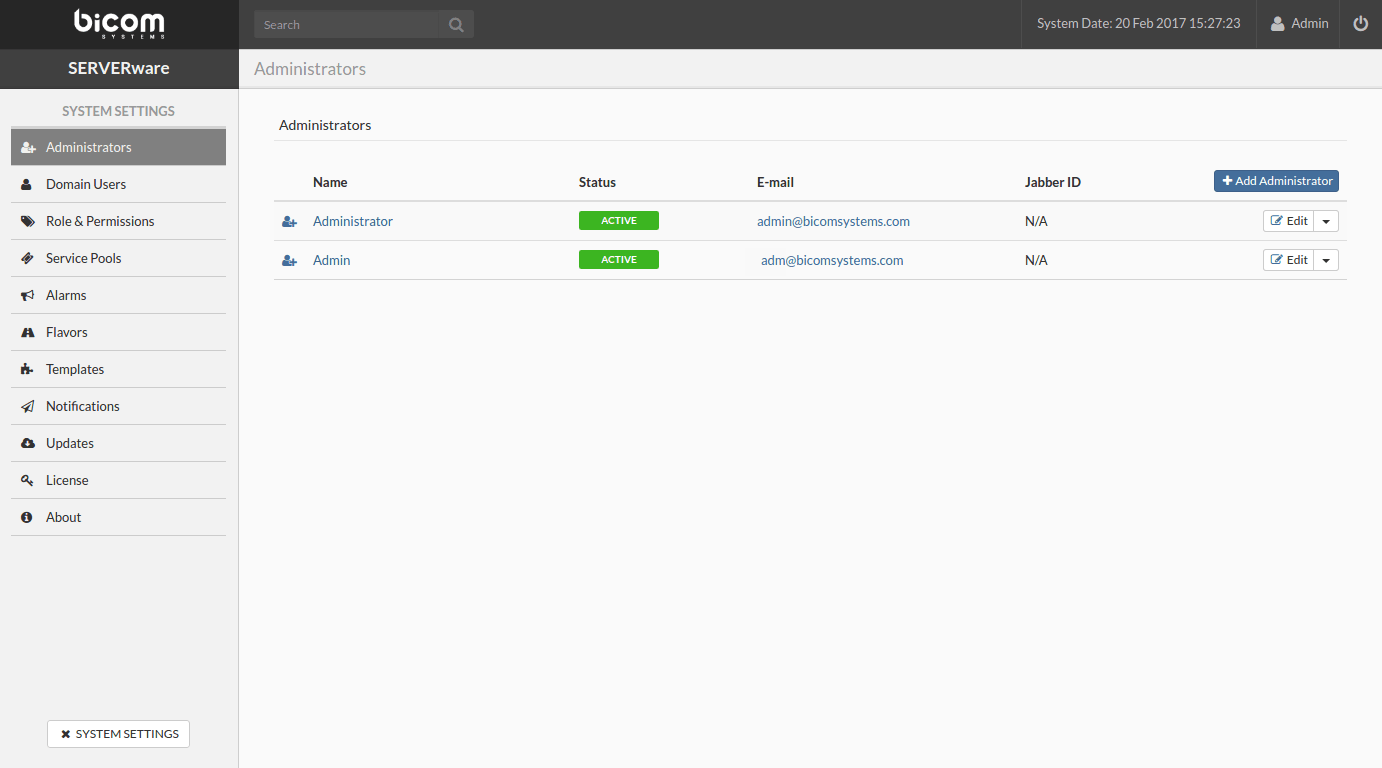
Add an administrator account
Follow this procedure to add an administrator account:
- In the menu Administrators, click on Add.
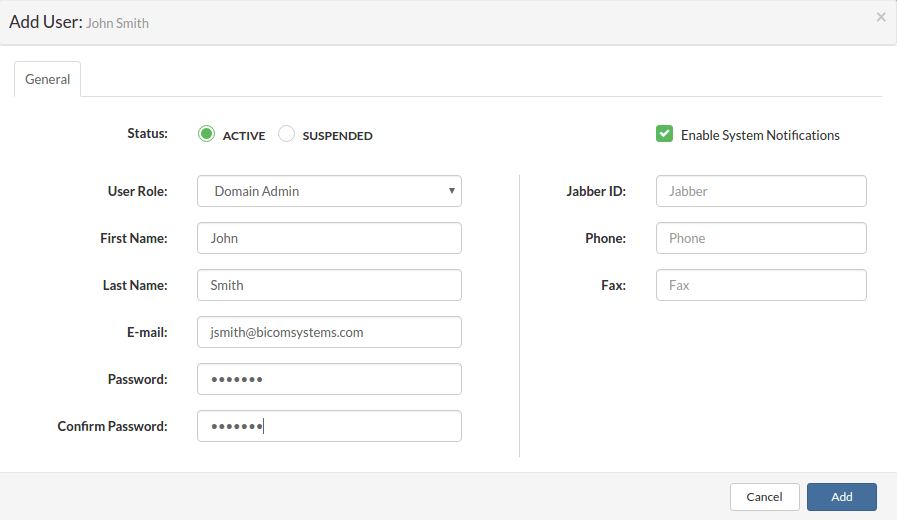
- A dialog box appears. Select the User role, the Status, and enter the user's personal information.
Delete the administrator account
Follow this procedure to delete an administrator account:
- Select the Administrators menu.
- Select Remove from the drop-down menu next to the administrator account you want to delete. A confirmation dialog box appears.
- Click Yes. The administrator account disappears from the list.
Downgrade the administrator account
Follow this procedure to demote an administrator account to a user account:
- In the menu Administrators, select Downgrade in the drop-down menu next to the administrator you want to demote. A confirmation dialog box appears.
- Click on Yes. The administrator disappears from the list and appears in the user list of a partition.

