



23. Service pools
The tab Service Pools allows you to add and remove service pools.

Adding a service pool
To add a new service pool, follow these steps:
- In the Service Pools view, click Add a Service Pool.
Enter a name, select a service type, then click Save.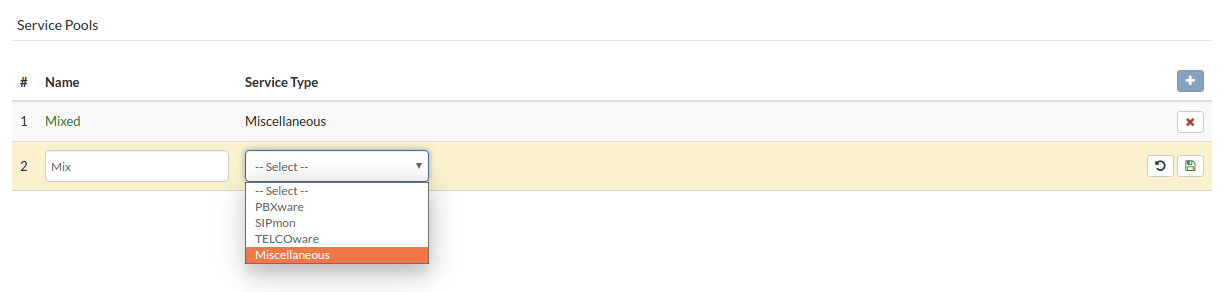
Deleting the service pool
Follow this procedure to delete a service pool:
- Select the Service Pools view.
- Click Delete Service Pool next to the pool you want to delete. A confirmation dialog box will be displayed.
Click Yes. The service pool will be removed from the list.
