17. Reports
The reports menu is organized around the following sections: System logs, Alarm logs, and User sessions.
System logs
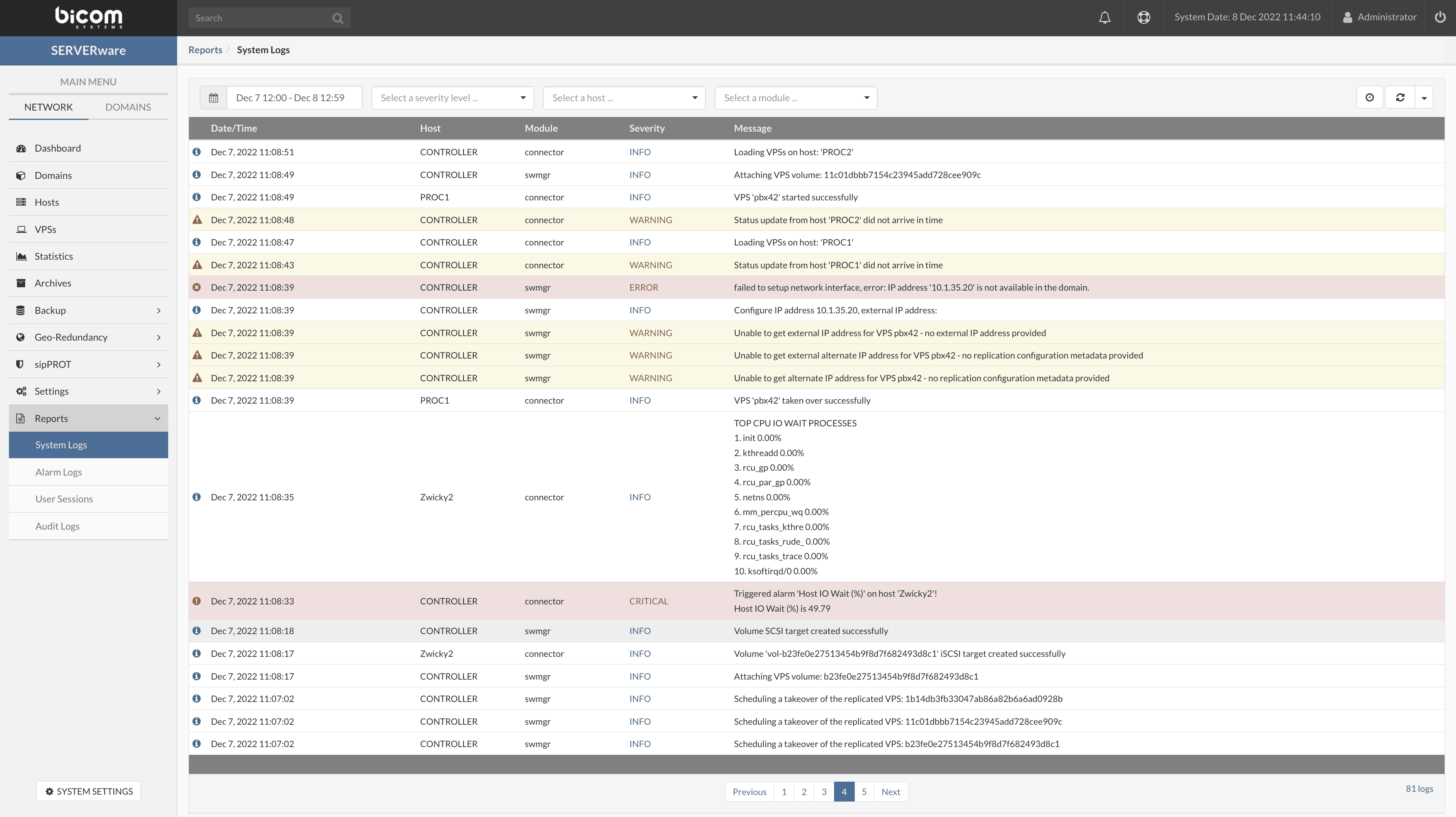
All events that occur in SERVERware are recorded in the System logs. In addition to the general management of information and the system, the System logs can also be used for debugging and analysis. A filter is also available for displaying logs.
Alarm logs
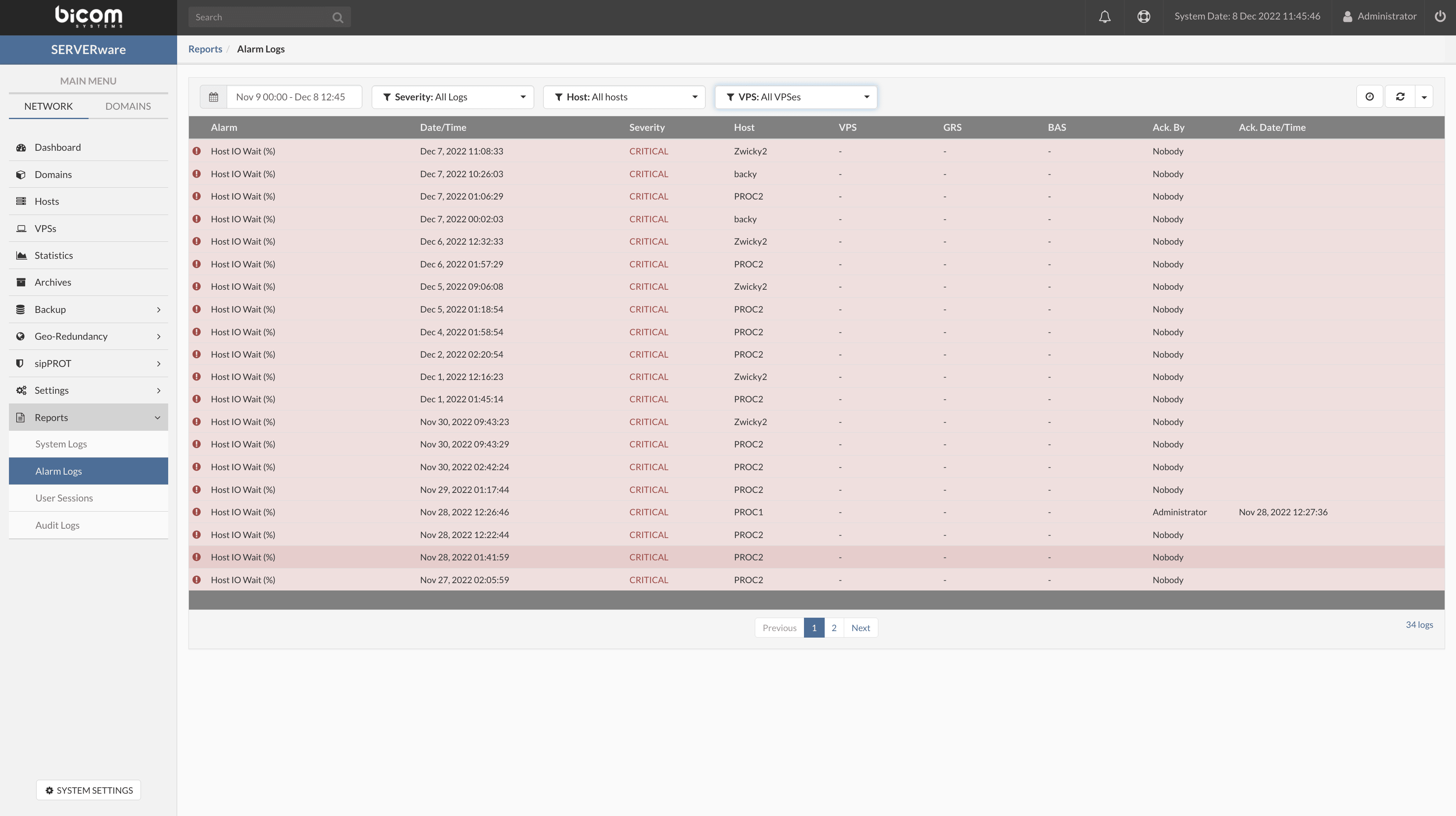
All triggered alarms are recorded in the alarm log and can also be used for debugging and analysis. A filter is also available for displaying the logs.
User sessions
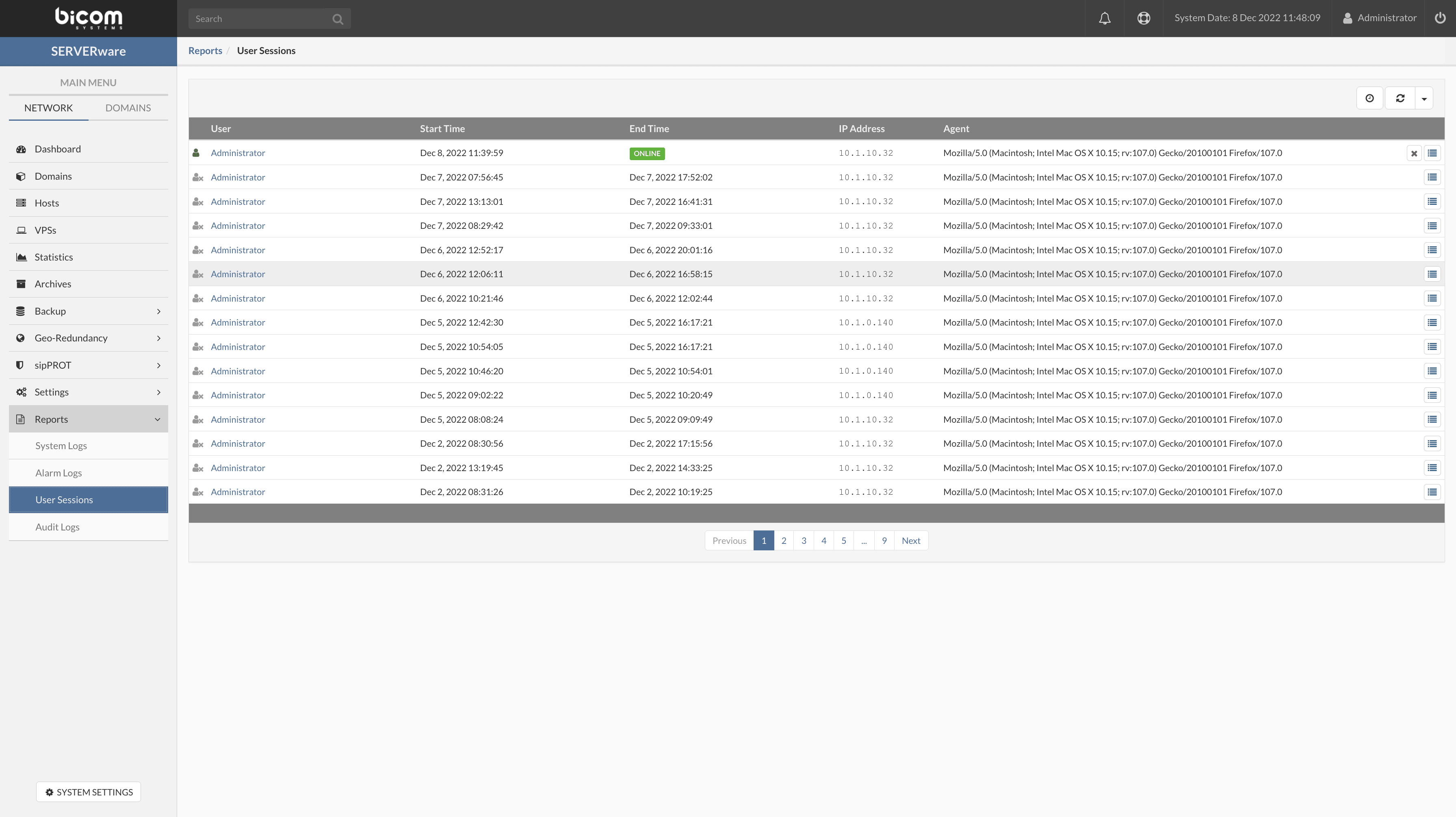
The page of the User sessions provides information about the current connections to the SERVERware GUI, as well as the connection history and activity. The following information is provided: user, connection start/end time, IP address and user agent.
Audit logs
Audit logs are a record of the actions that have been performed on a SERVERware server. These logs generally include information about who performed the action, when the action was performed, and the nature of the action. Audit logs can be used to track changes made to a SERVERware server, as well as to detect and investigate potential security incidents. In many cases, audit logs are considered an important tool for maintaining the security and integrity of a system, as they can provide valuable information to auditors and SERVERware administrators.
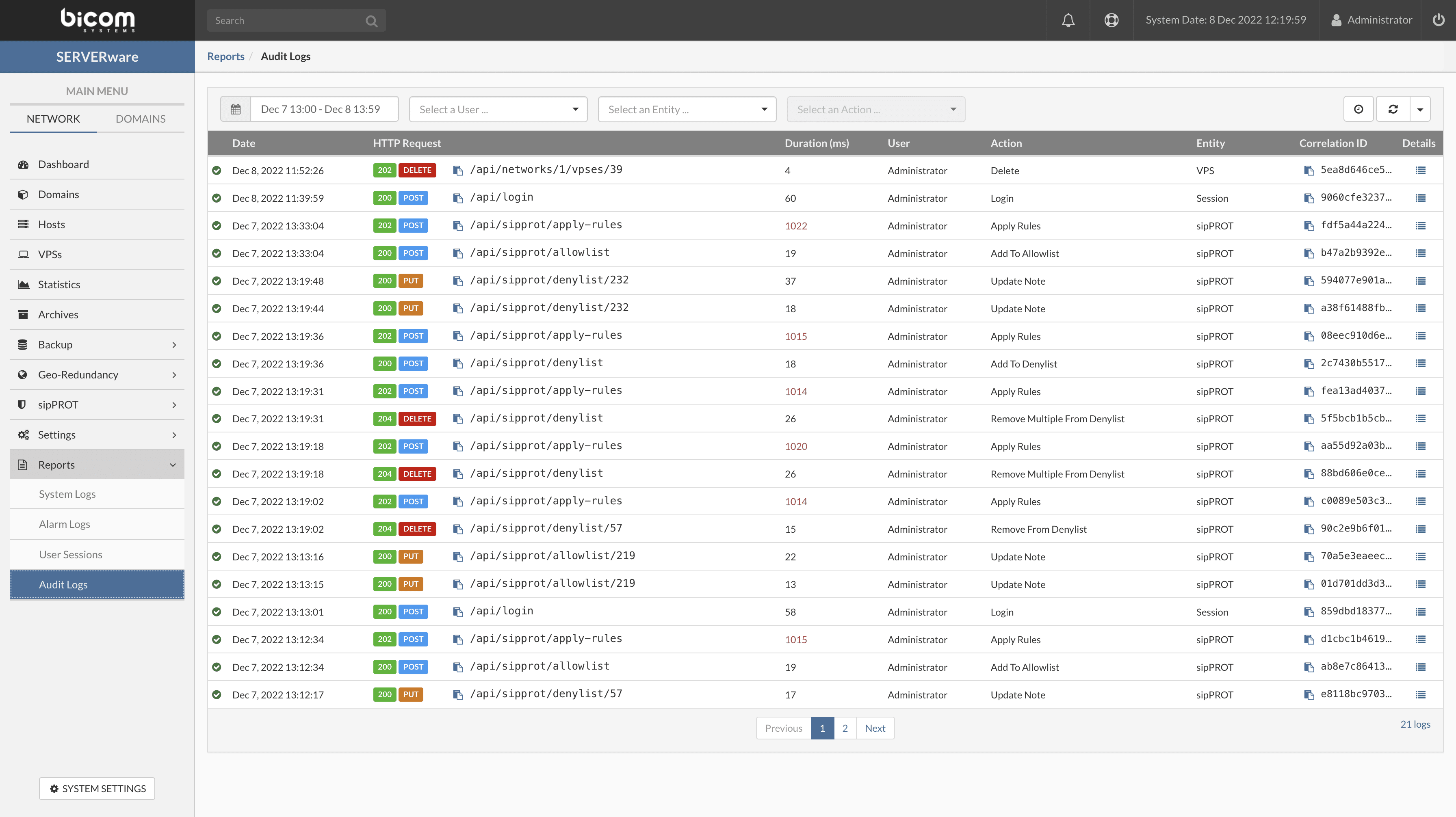
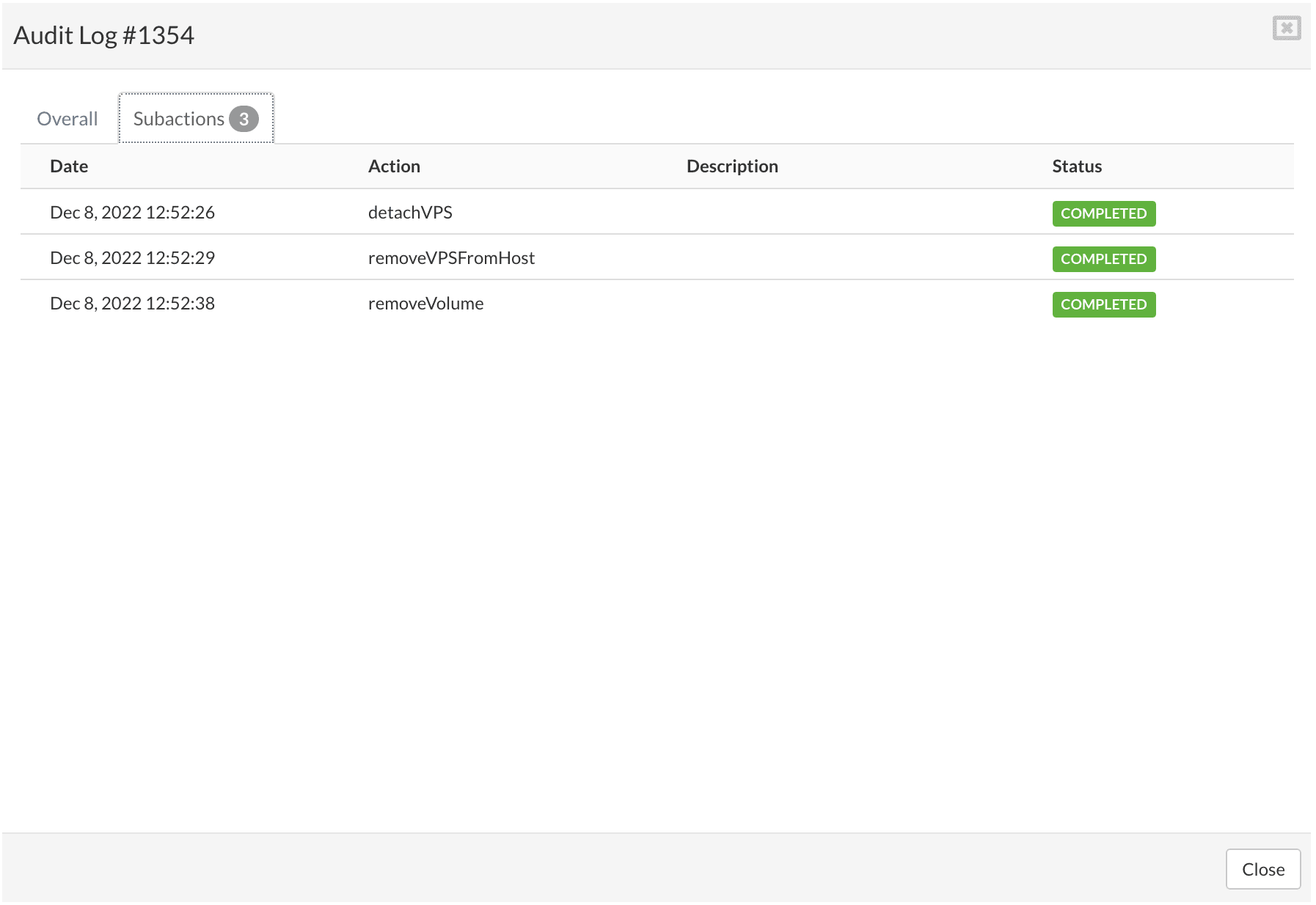
A filter is implemented to help SERVERware administrators more easily search and analyze audit logs. By clicking on Details, a pop-up window will appear with additional details about the action.
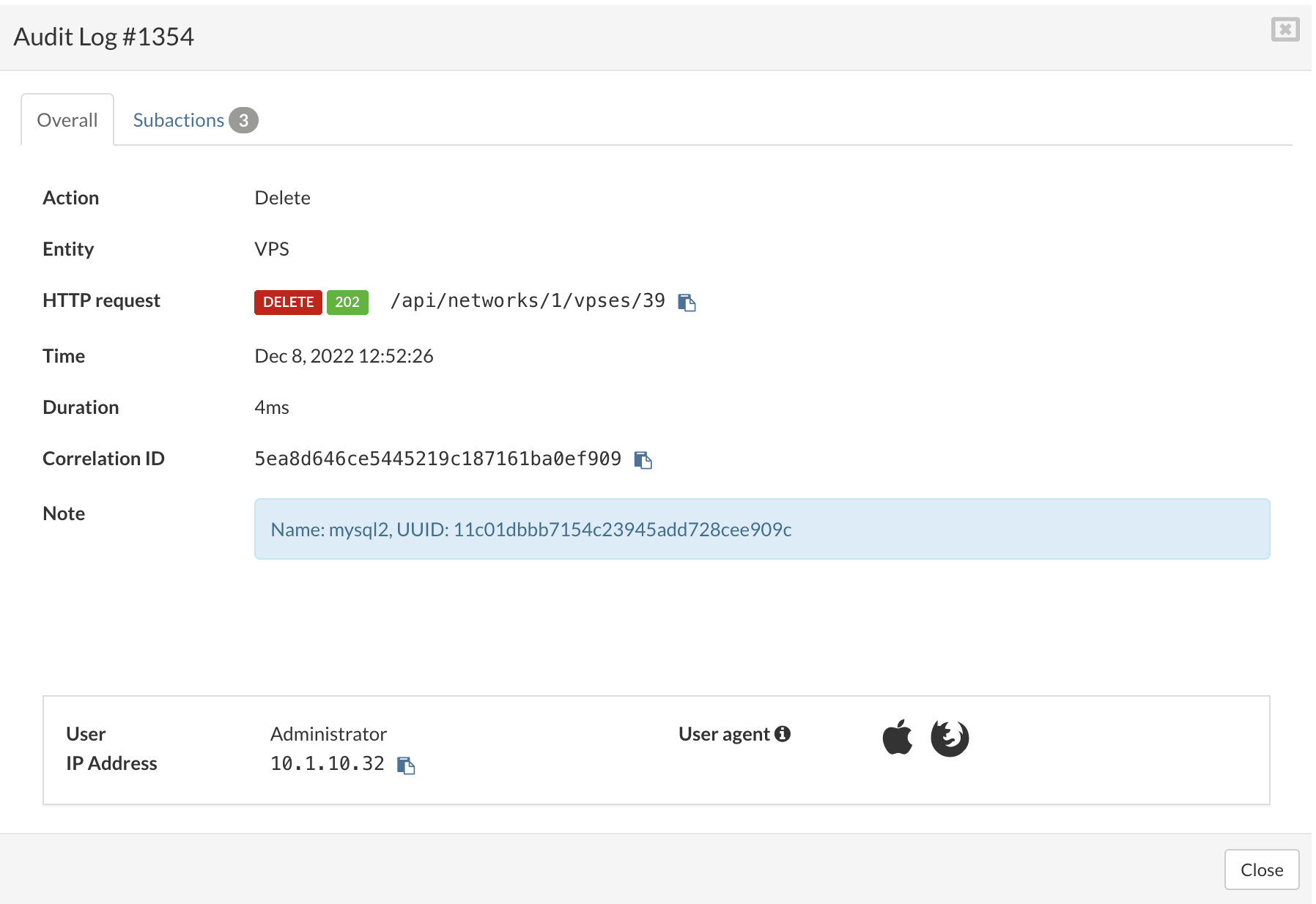
All sub-actions are previewed in the tab Sub-actions.