4. Architecture
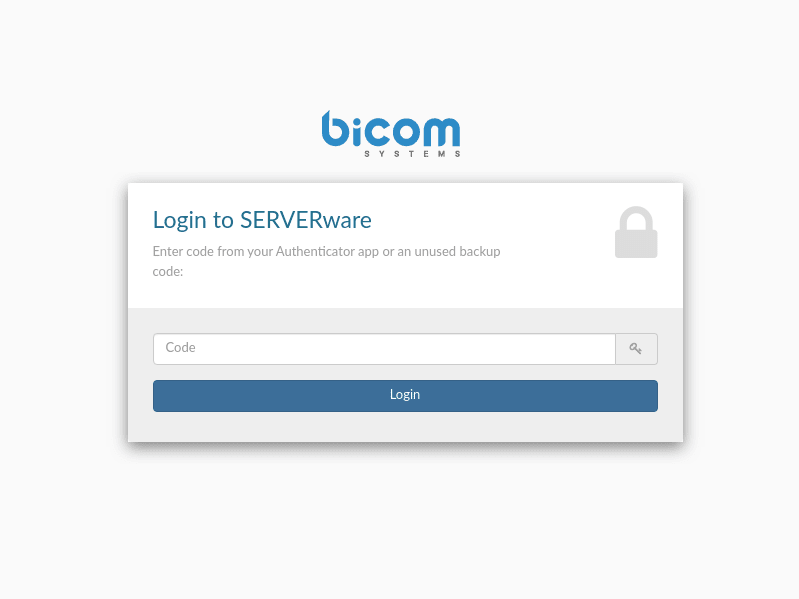
A SERVERware environment is composed of the following elements:
- Redundant storage server : Contains virtual resources such as volumes and virtual server templates.
- Virtual private servers : Use Linux containers (LXC) as virtualization technology.
- Agents and tools : Run on the hosts and provide local management of virtual private servers.
- Controller : Centralized management platform for SERVERware. It provides a graphical user interface for viewing, provisioning, and managing resources. It runs on the storage server in a dedicated Linux container.
- Database : tracks the states and changes of the environment.
- Networking : connects the elements of the environment, including physical network links and logical subnets.
The SERVERware network topology is displayed in the following image:
Web access
Log in to the SERVERware web configuration panel directly from your web browser.
Enter the IP address of the SERVERware Web control panel in the web browser to access the login screen.
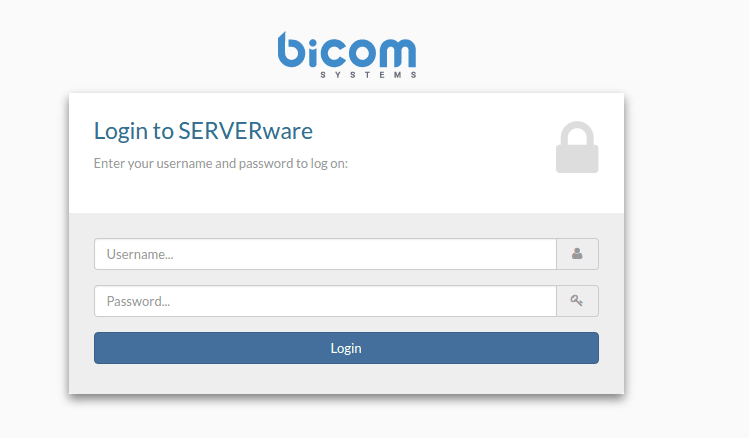
Enter your username and password.
Click on Login. The SERVERware dashboard appears.

2FA
Multi-factor authentication helps secure access to your SERVERware. In the title bar of the web control panel, click your username and then click Account settings to access the Account settings menu.
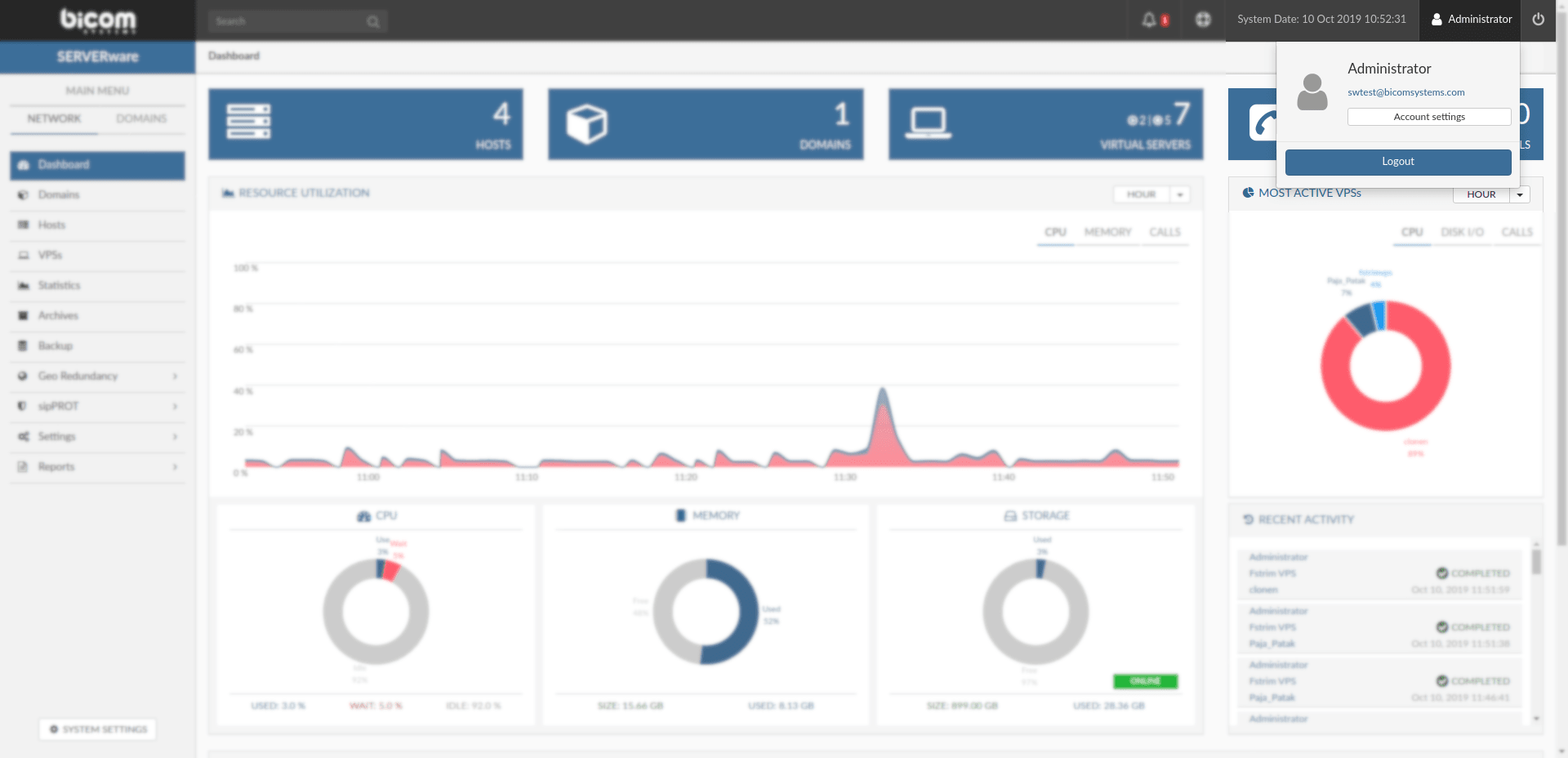
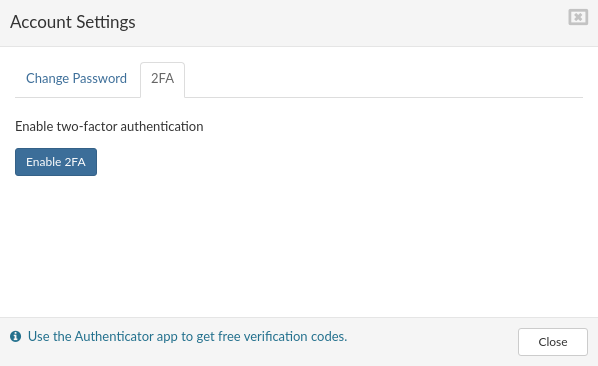
The account settings menu will appear. In the menu Account settings, select 2FA and click Enable2FA.
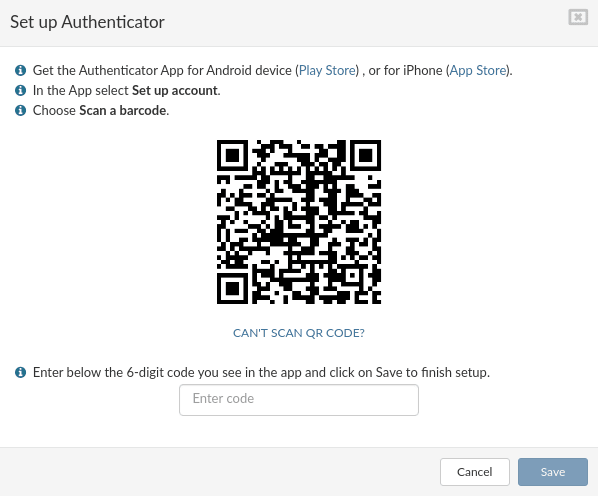
Follow the instructions in the window and click Save
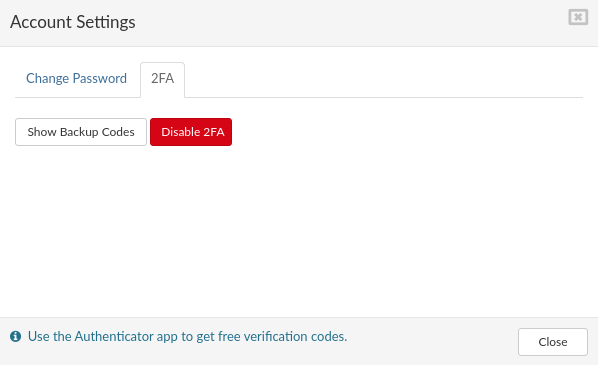
At this step, you can disable 2FA or display Backup codes; this window is also a confirmation that 2FA is enabled for a specific user. It is possible to change the password at this step for a specific user.
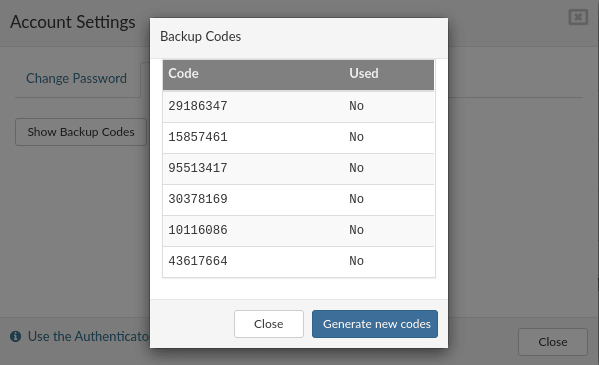
If your Authenticator app does not work or is not available for any reason, you can use 'backup codes'. Click Show backup codes to display the available codes. A new popup will appear with a list of codes and their status (used or not). A code can only be used once; if you have no available codes, you can generate new codes by clicking the button Generate new codes.
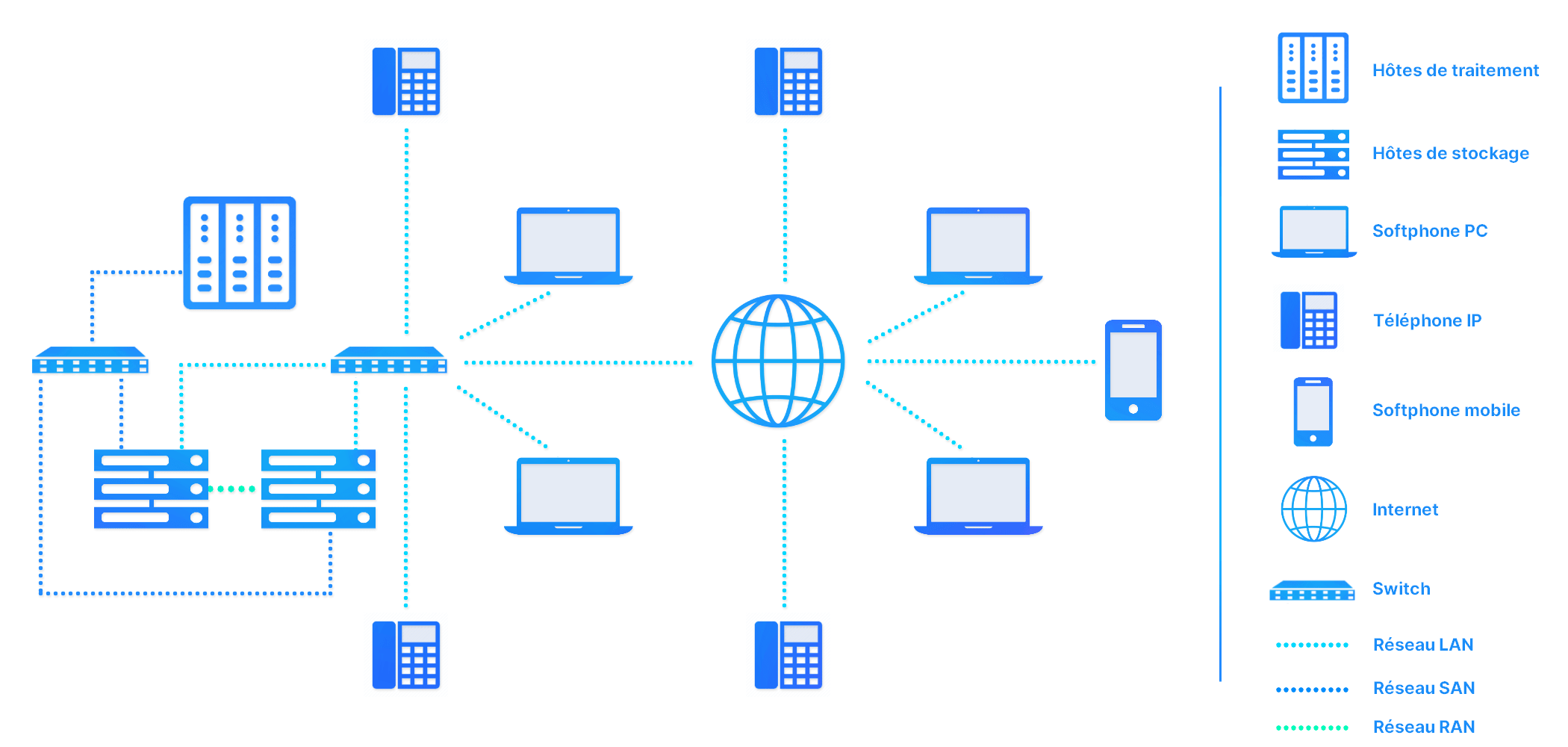
To start using 2FA, please log out of the SERVERware panel and the login screen will appear. Enter your username and password and click Login.
Enter the code from your Authenticator app or an unused backup code to complete the login procedure.