



27. Notifications
The SMTP/XMPP notification delivery settings can be configured in the section Notifications system settings.
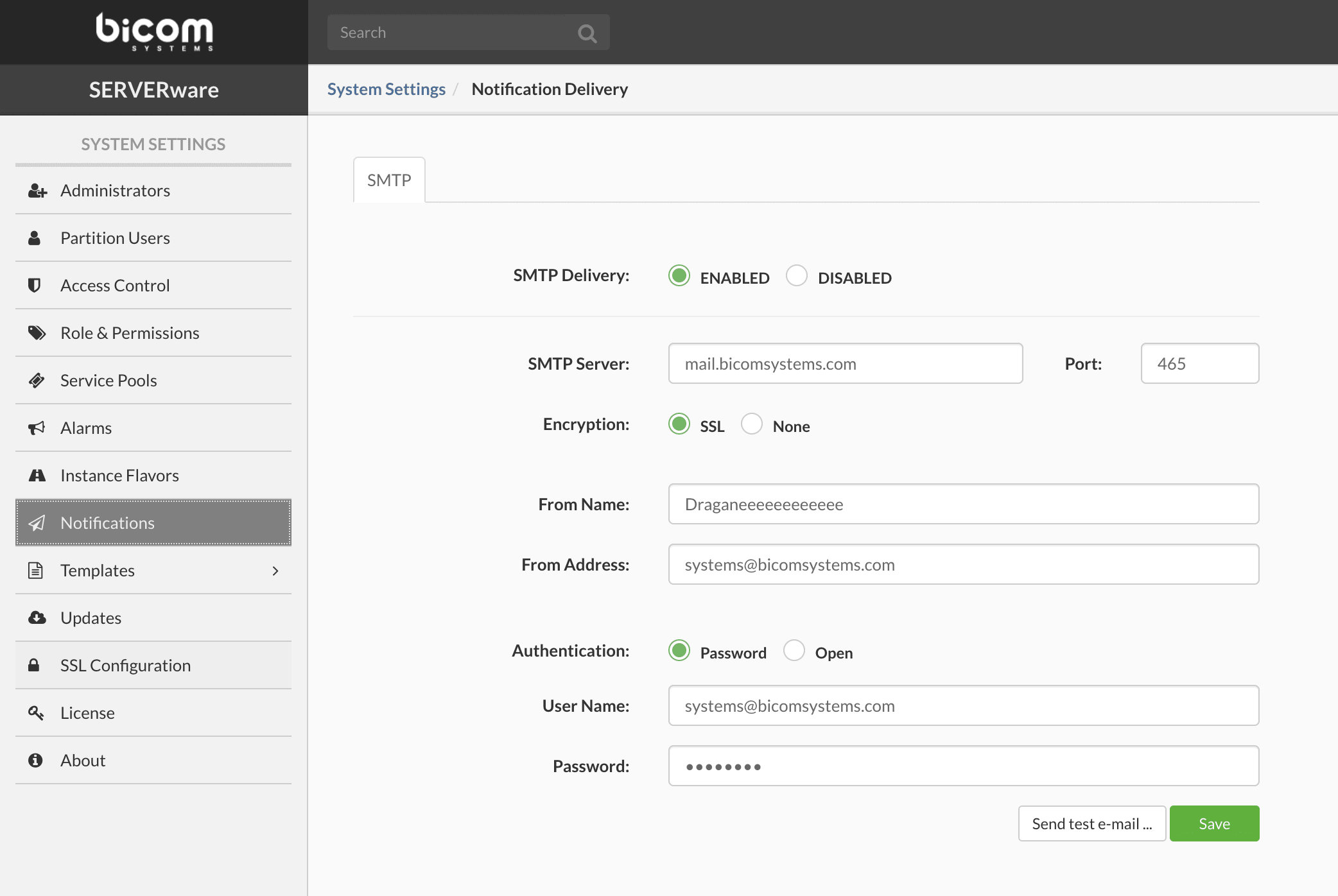
To correctly configure the SMTP settings, enter all the relevant SMTP data, then click Save.
The configured settings can be tested by clicking Send a test email. If it is necessary to configure the delivery of SMTP notifications using an SMTP server that does not require user credentials for authentication, modify Authentication on Open.
If the SMTP server does not support SSL from the start, modify the Encryption en None. When encryption is None, the SERVERware SMTP client will automatically switch to encrypted mode if STARTTLS mode is supported by the SMTP server, otherwise the connection will remain unencrypted. If sending a test email fails, the corresponding error message will be visible in the system logs view.
