License
The license strategy allows users to efficiently manage licenses and user roles. After purchasing a license, users have the ability to remove agents, supervisors, and omnichannel users through a graphical user interface (GUI).
This GUI presents essential information in a table, detailing the number of licenses acquired, how many are currently in use, and the remaining unused licenses for the agent, supervisor, and omnichannel module editions.

Users can delete individual agents, supervisors or omnichannel users directly from the GUI. However, it is important to note that the deletion of a single agent, supervisor or omnichannel user can only be performed once in a 48-hour window.
To disable an agent's access to a specific edition or an omnichannel module, users can simply click the ❌ icon in the corresponding column.
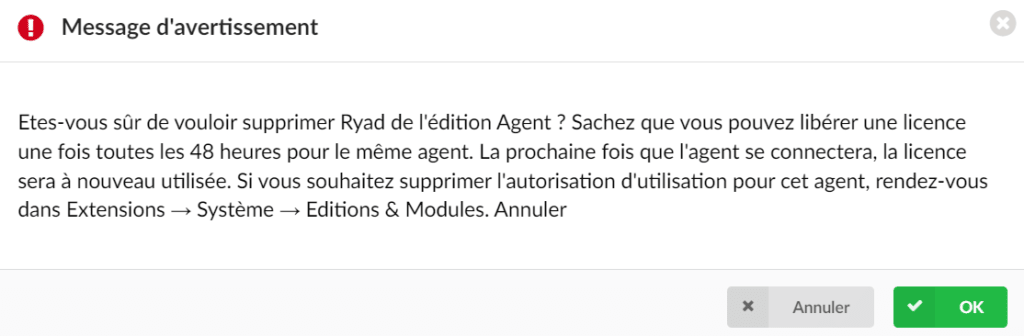
If a user attempts to remove the same agent from the license page for the second time within the 48-hour period, a warning message will be displayed. This message serves as a protection to prevent accidental or unauthorized deletions and encourages responsible license management.